Guides · 5 min guide
Back up an Android phone
Saves your apps, contacts, messages and settings to your Google account so you can restore them later.
5 min · Samsung, Pixel
Before you start
- Connect to Wi‑Fi and plug in.
- Use a PIN, pattern or password screen lock. Google needs it to protect your backup.
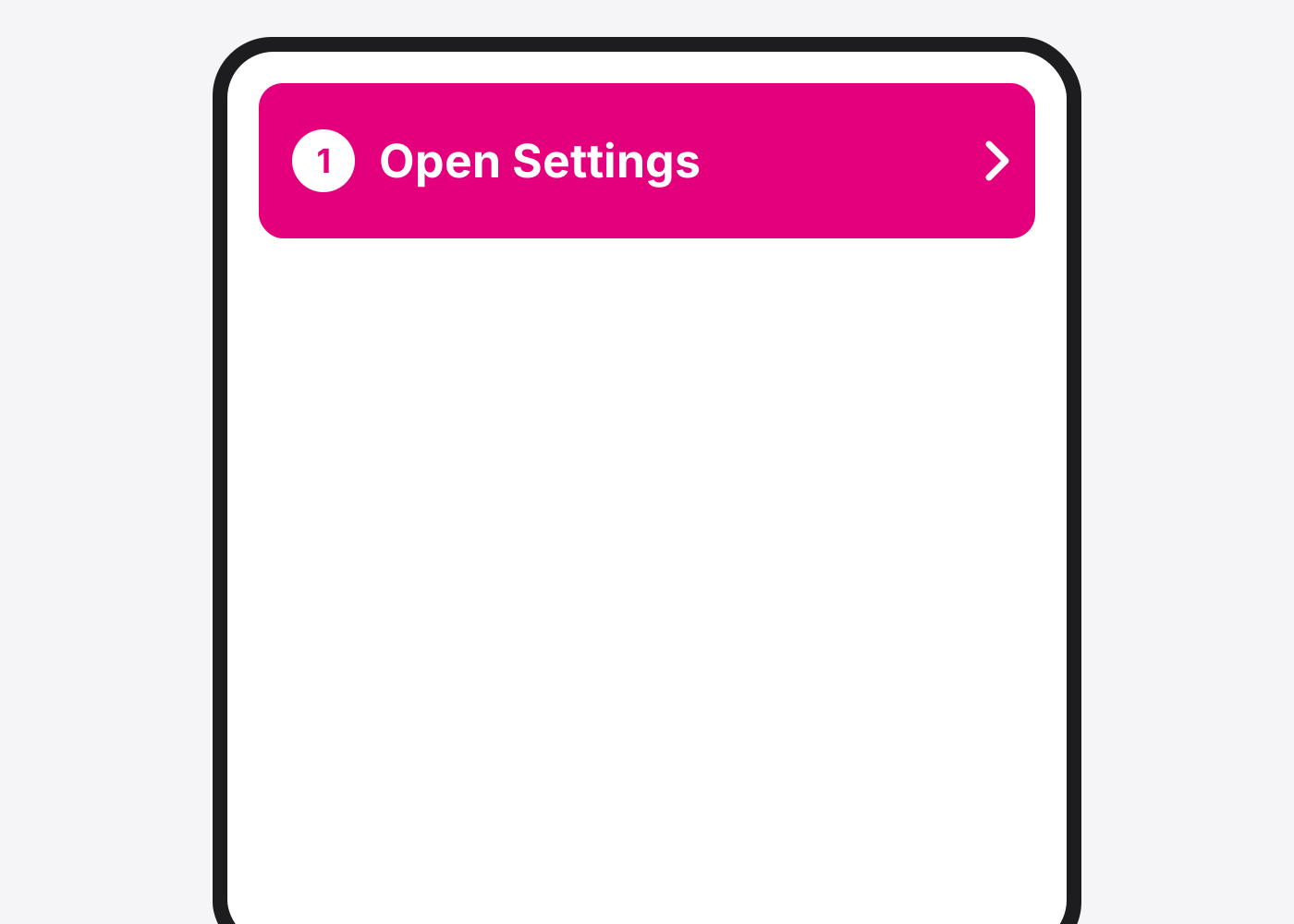
- Pixel: open Settings.
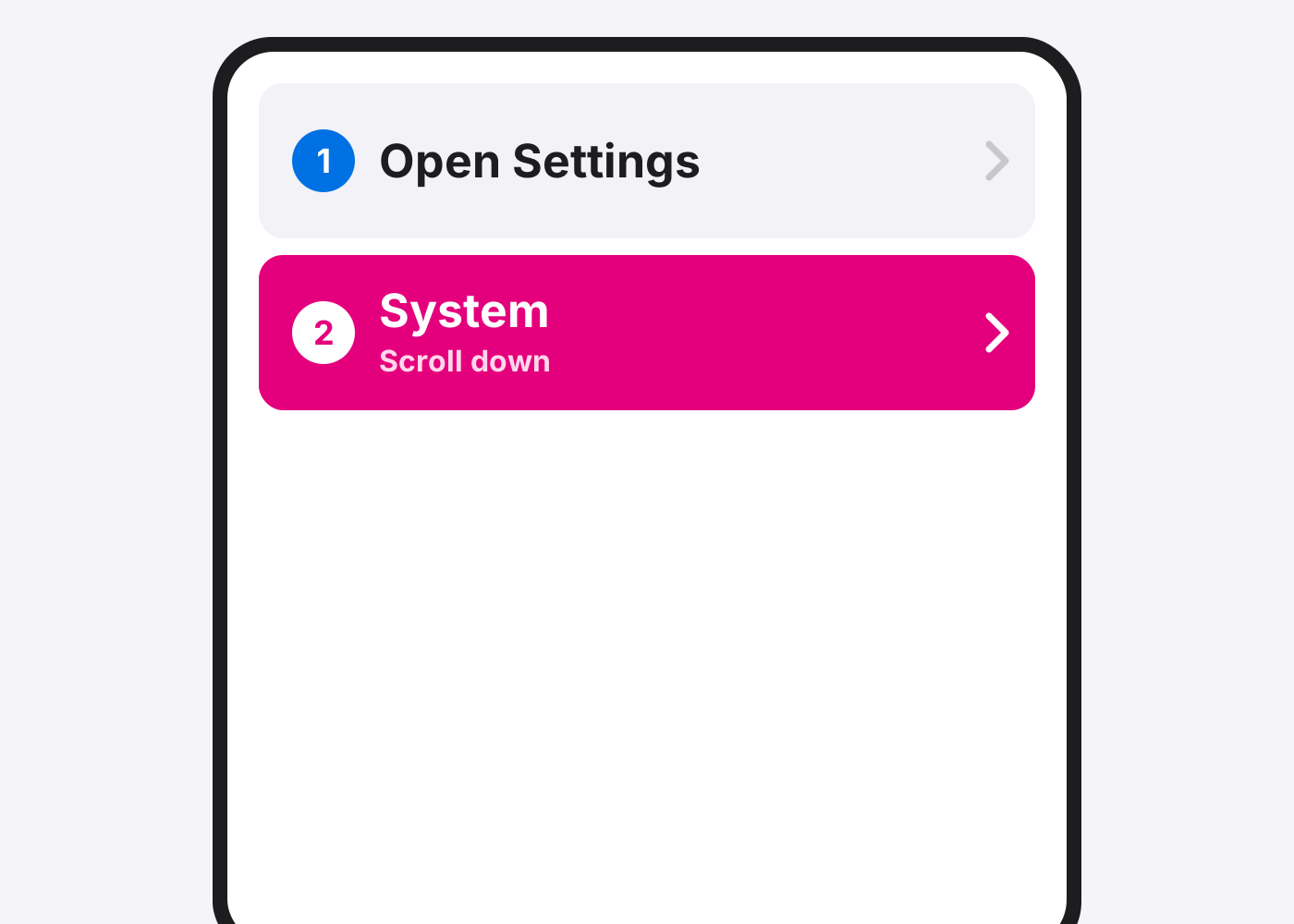
- Tap System.
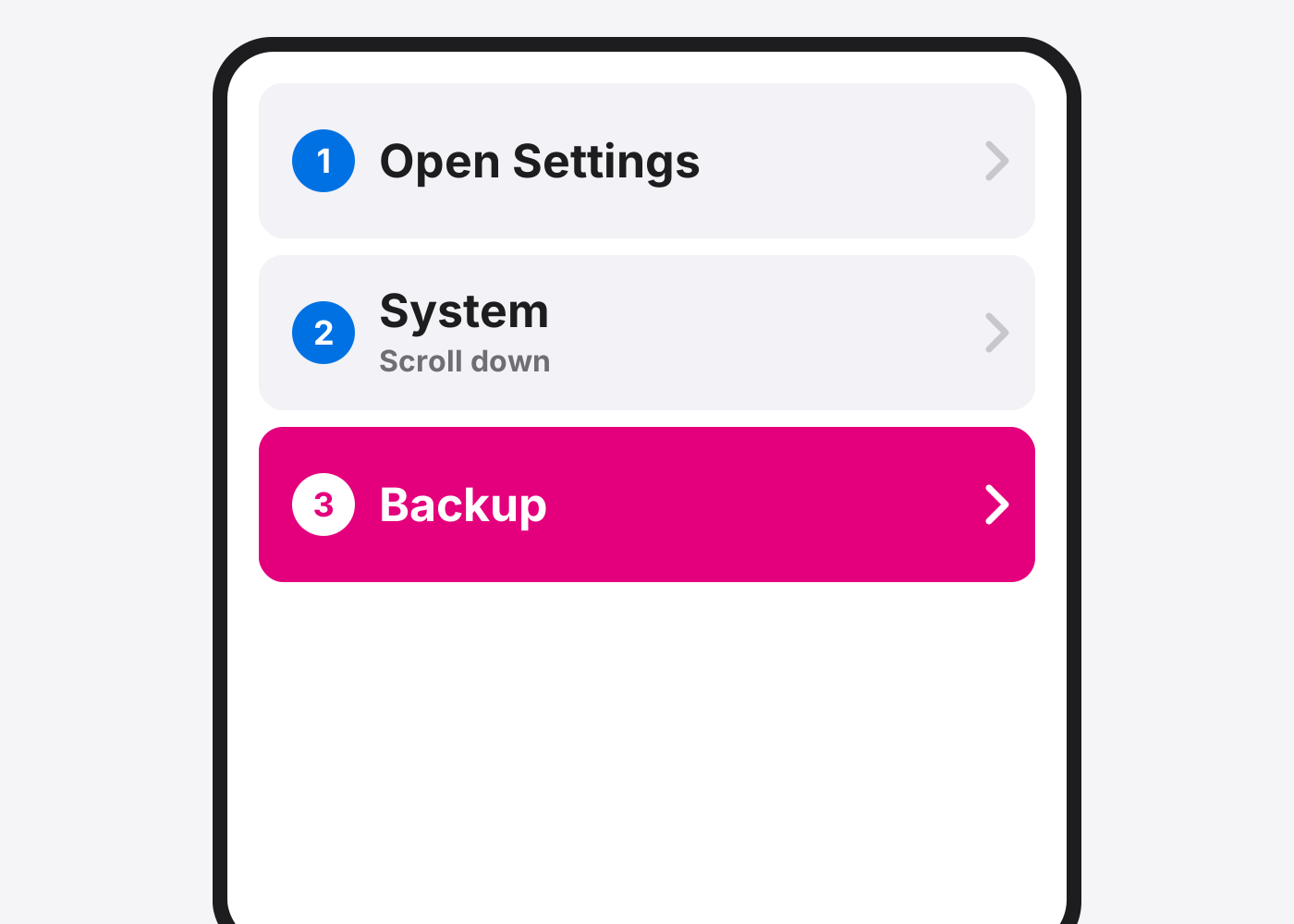
- Tap Backup.
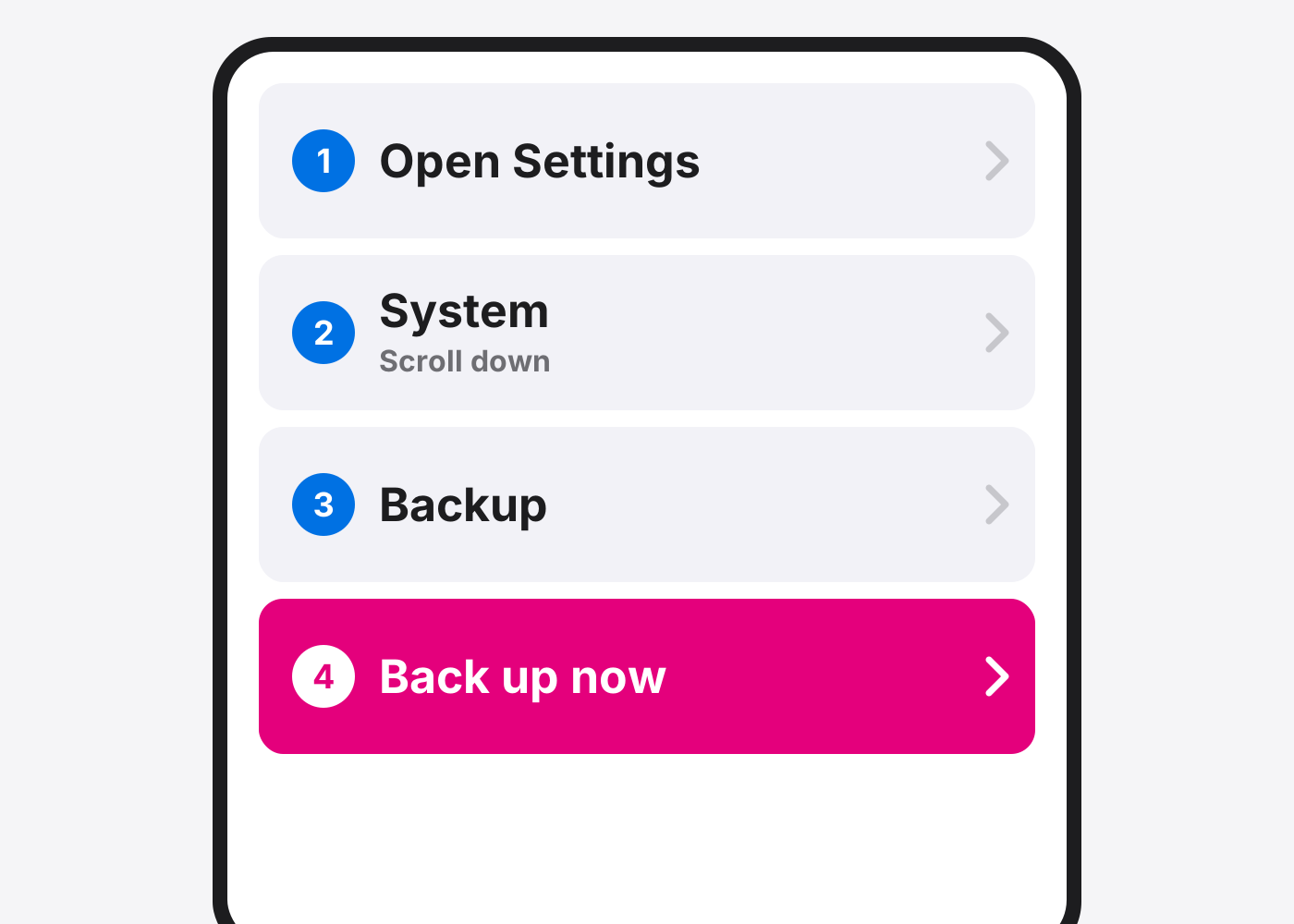
- Tap Back up now.
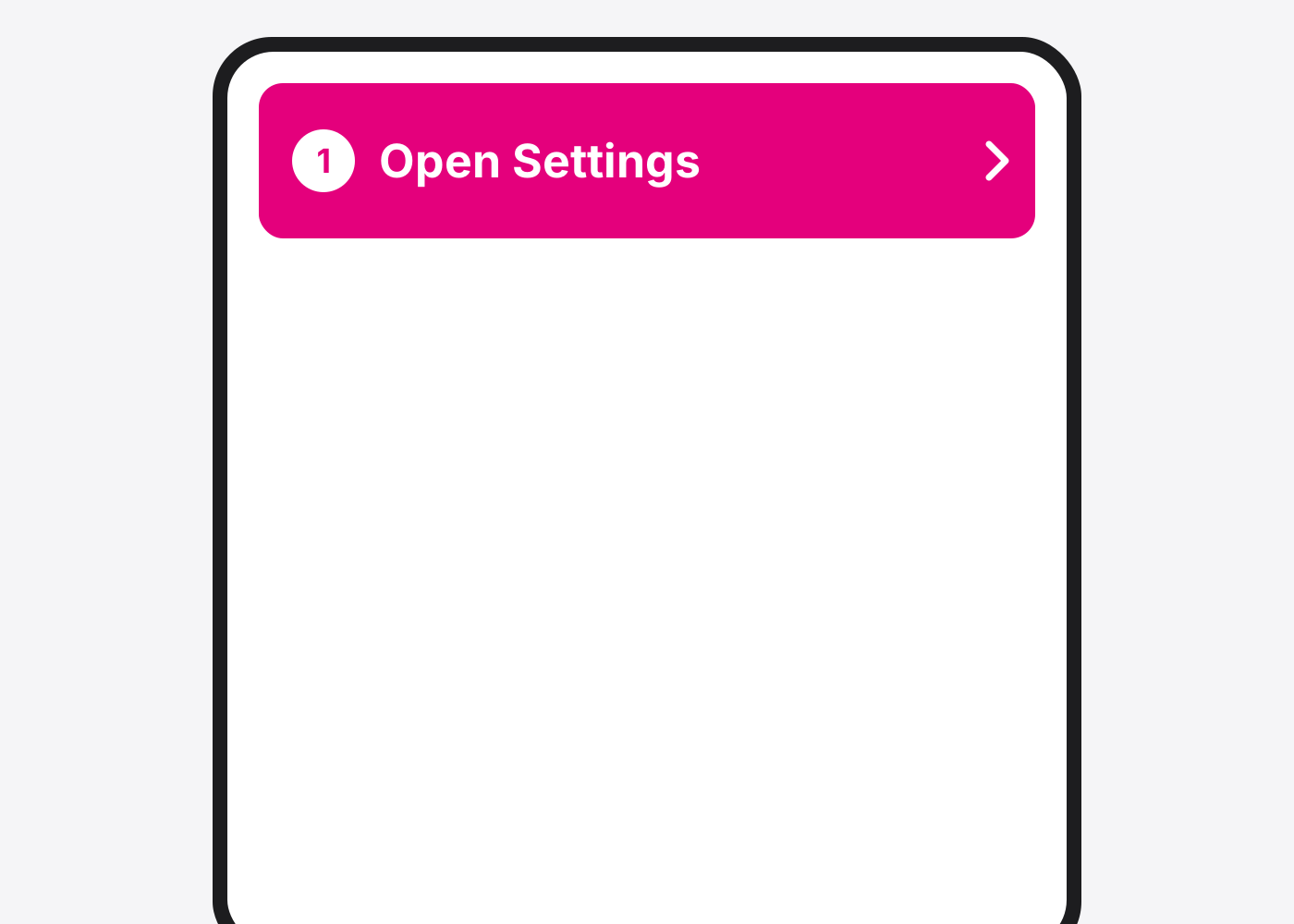
- Samsung: open Settings.
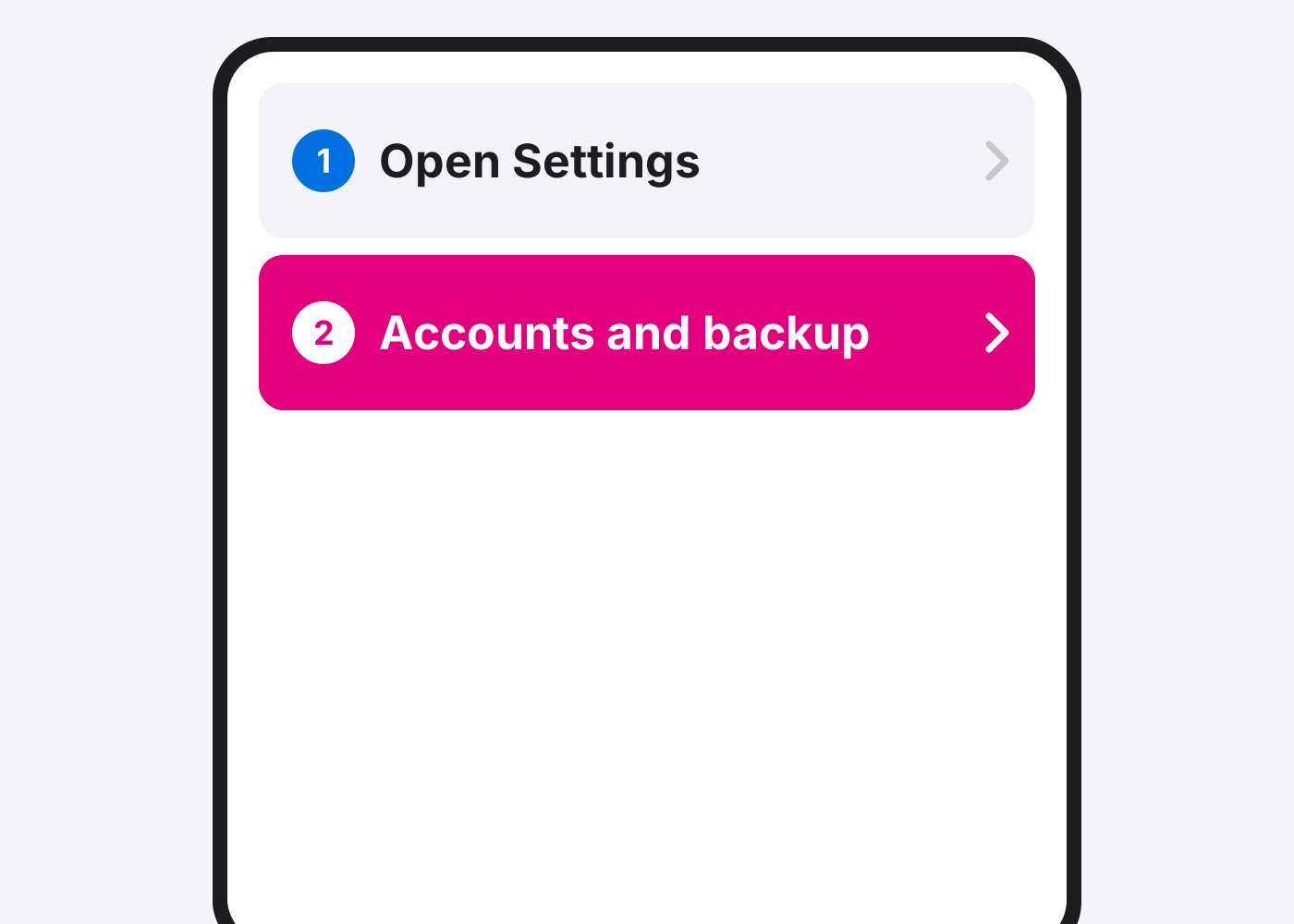
- Tap Accounts and backup.
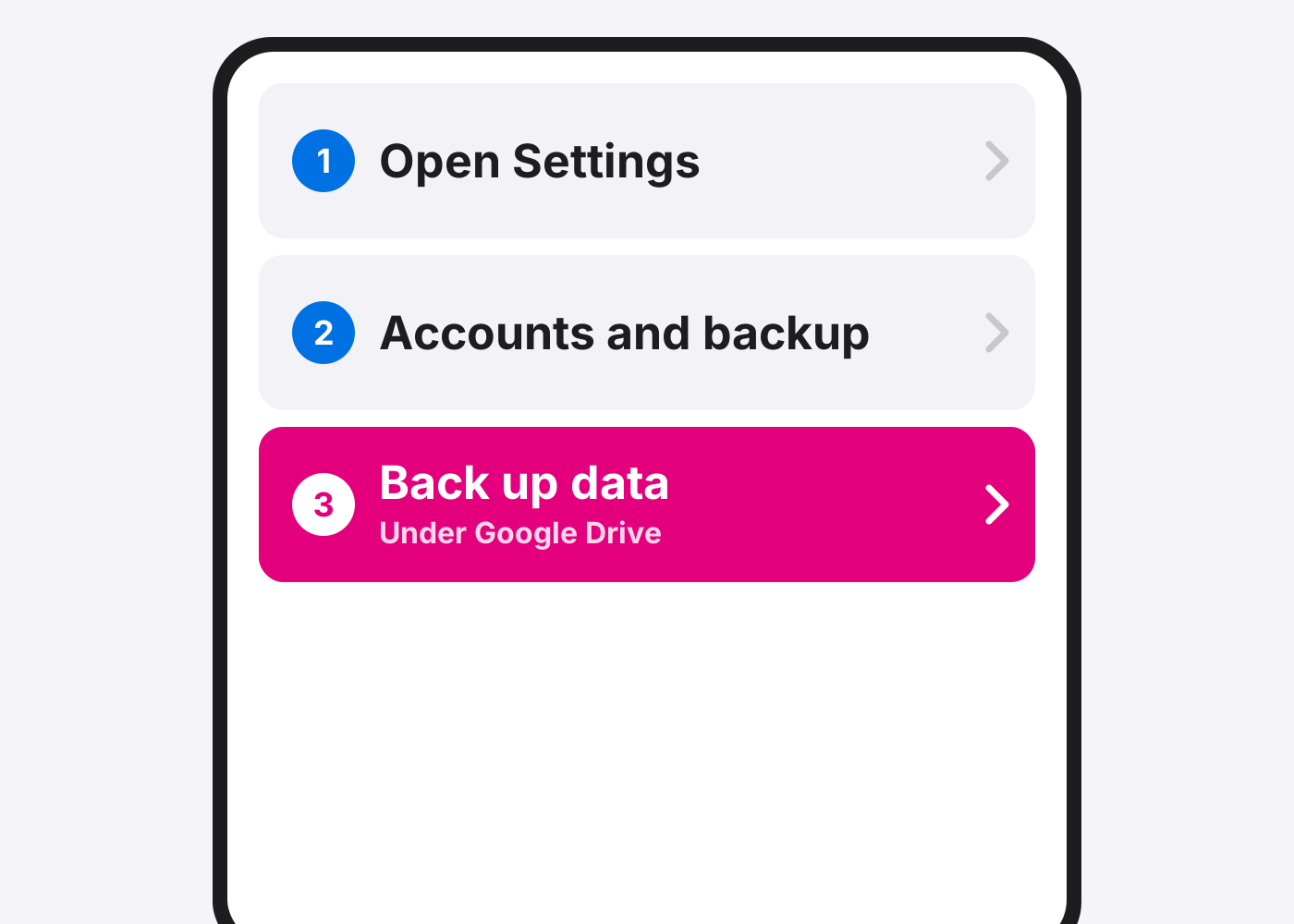
- Tap Back up data under Google Drive.
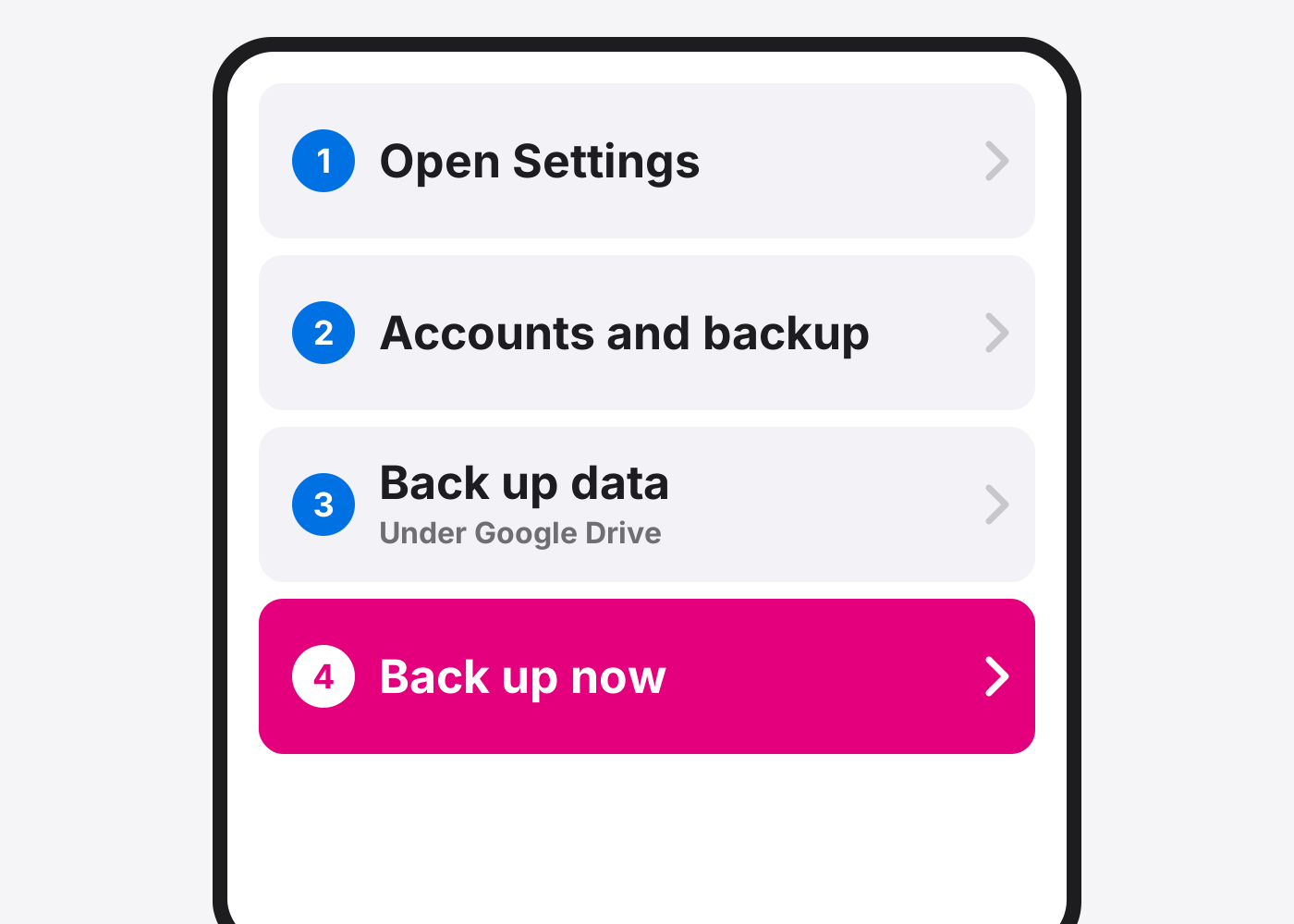
- Tap Back up now.
- Back up your photos. Photos back up separately. Open Google Photos and make sure Backup is on.
If it doesn’t work
I don’t see Back up now
Turn on Backup by Google One first. On some phones the path is Settings › Google › All services › Backup.
The backup is taking forever
The first backup can take up to 24 hours. Leave it on Wi‑Fi and power.
Based on the official steps: Google: Back up your Pixel
Need it fixed?
Most screen, battery and charging port repairs are done while you wait, with a warranty.