Guides · 2 min guide
Check your battery health
Battery health tells you how much charge your battery holds compared to when it was new. Under about 80% is when most people notice.
2 min · iPhone, Samsung, Pixel
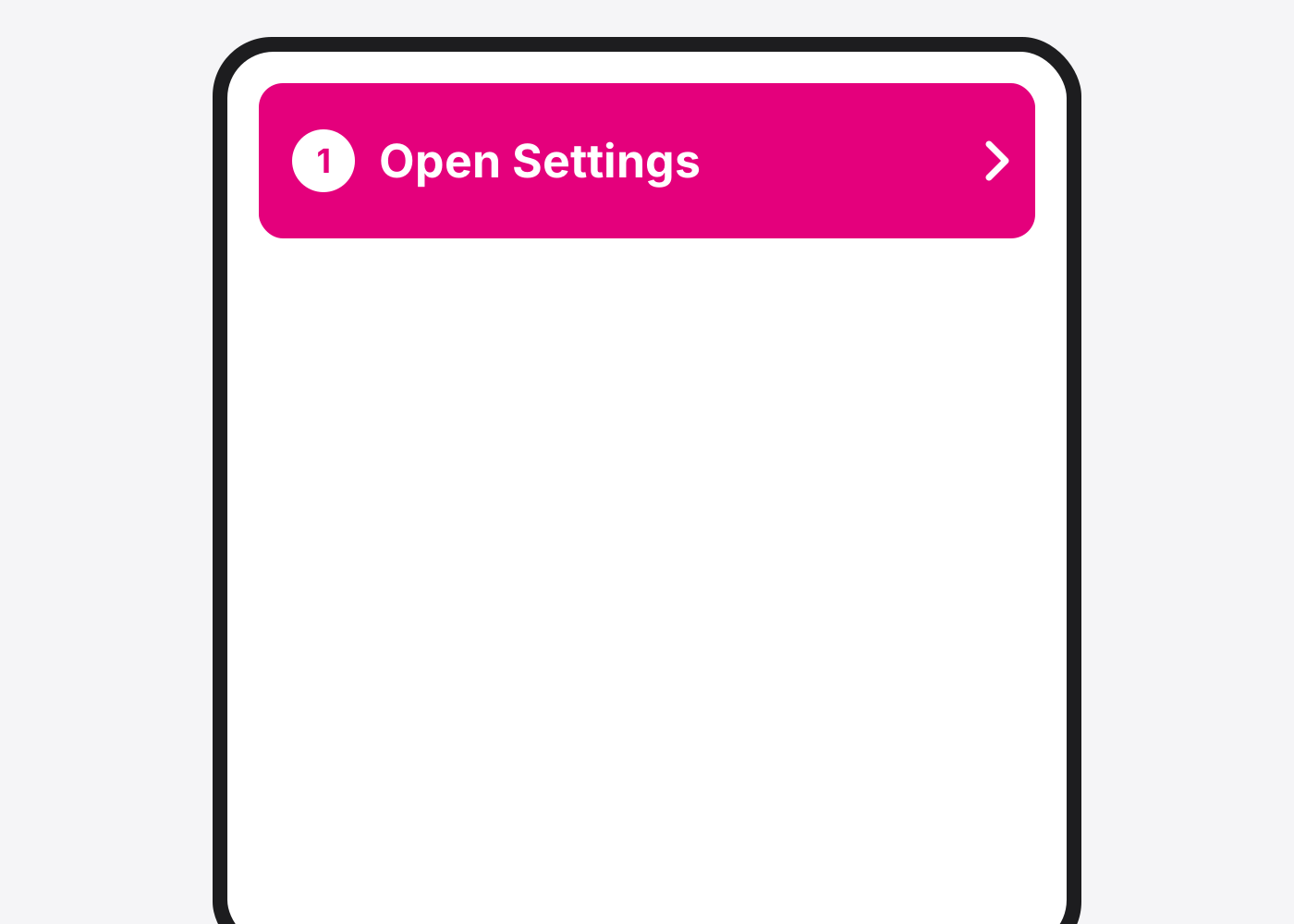
- iPhone: open Settings.
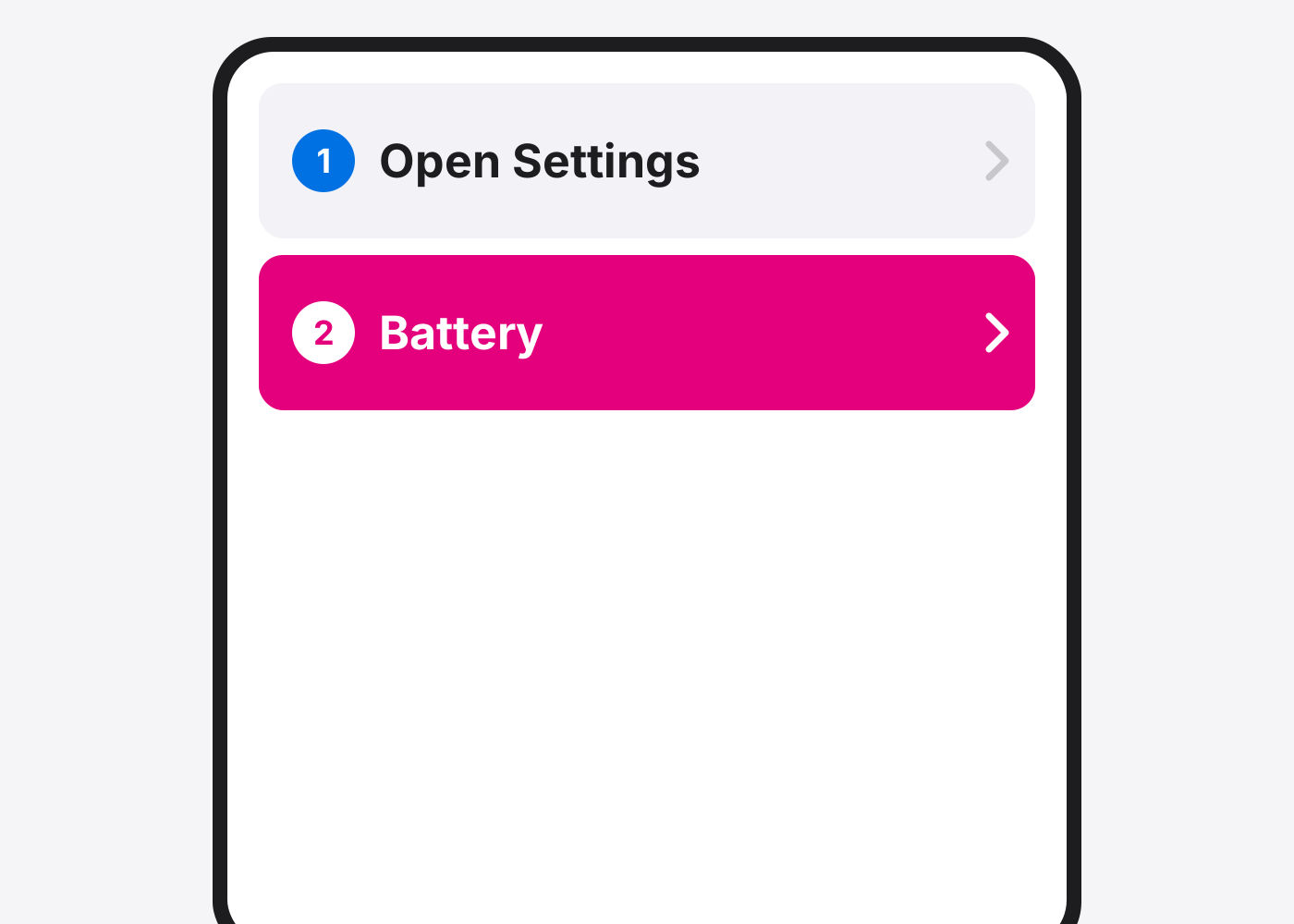
- Tap Battery.
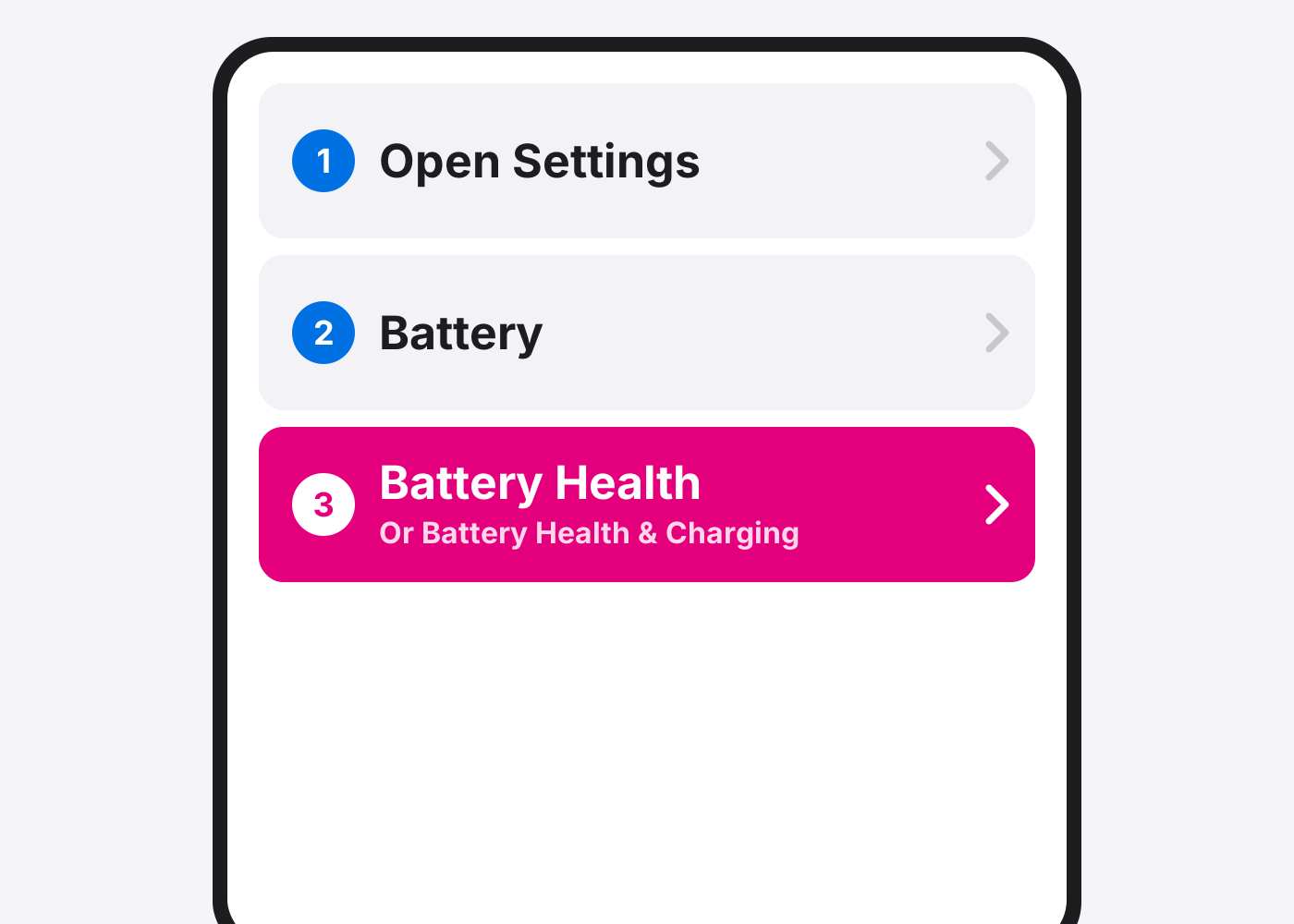
- Tap Battery Health. On some models it’s Battery Health & Charging. Look at Maximum Capacity.
- Samsung: open the Samsung Members app. Tap Support, then Phone diagnostics, then Battery status. It shows Normal, Weak or Bad.
- Pixel: Settings › Battery › Battery health. Shows on Pixel 8a and newer. On older Pixels, ask us to test it in store.
- Decide on a swap. Under 80%, Weak, or a Service message means the battery is worn. A new battery is usually a same-day fix.
If it doesn’t work
My iPhone says Service
The battery is worn or not recognised. A replacement fixes it.
My phone dies in the cold or at 20%
Classic worn-battery sign, even if health looks OK. We can test it in store for free.
Based on the official steps: Apple: iPhone battery and performance
Need it fixed?
Most screen, battery and charging port repairs are done while you wait, with a warranty.