Guides · 10 min guide
Factory reset a Google Pixel
Erases the phone and returns it to factory settings. Your Google account data can be restored after.
10 min · Pixel
Before you start
- Back up first.
- Know your PIN and your Google account password.
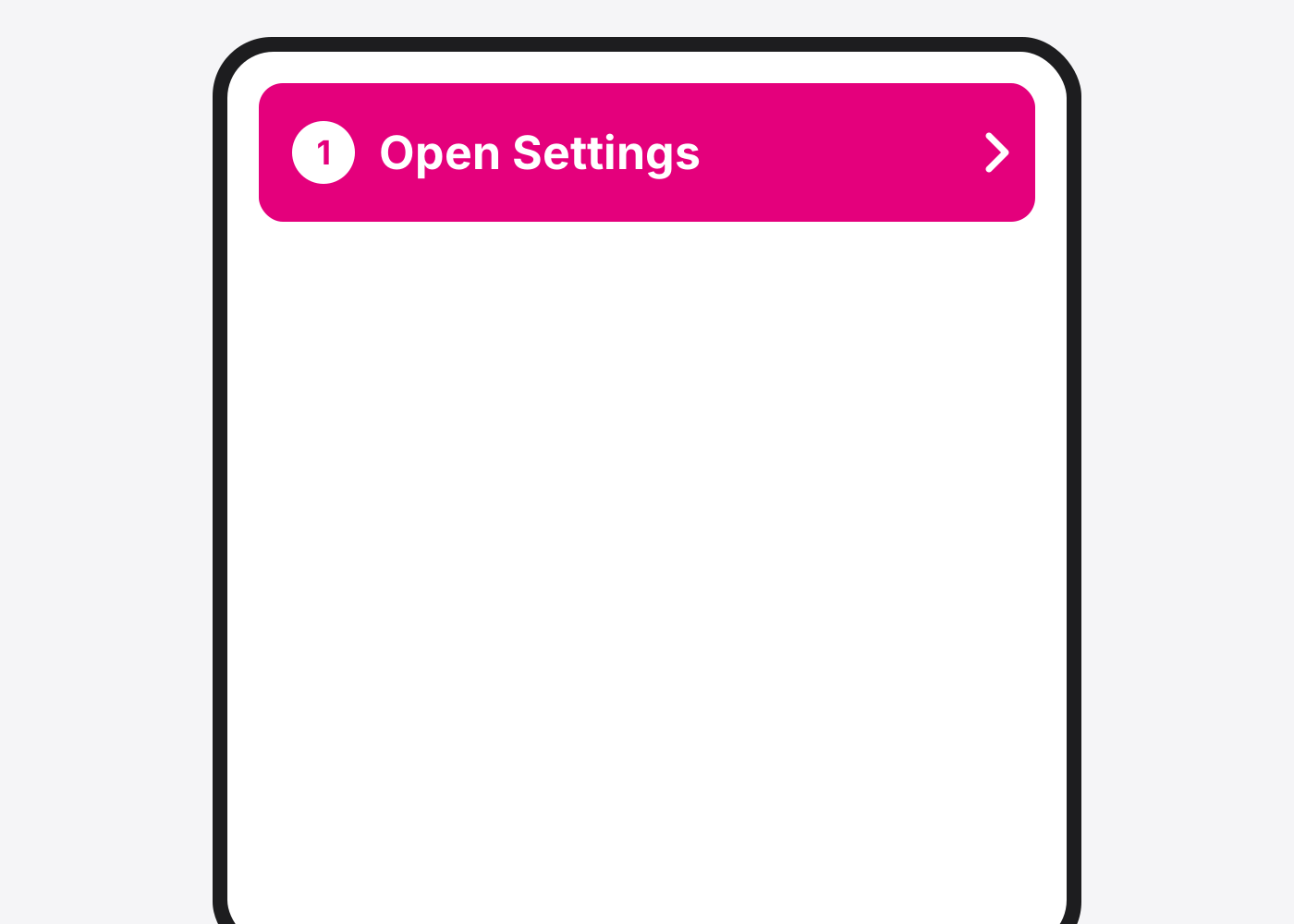
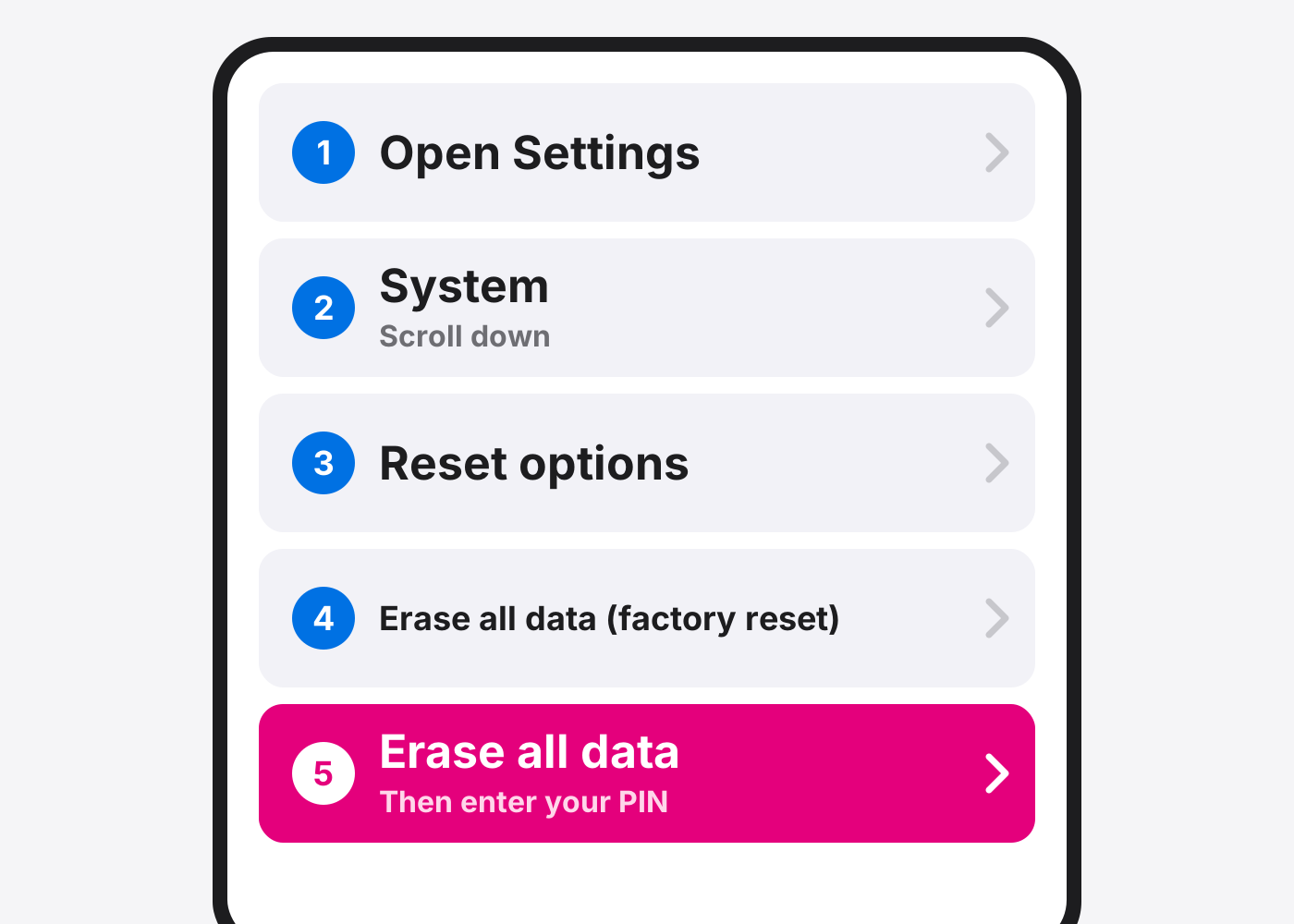
- Open Settings.
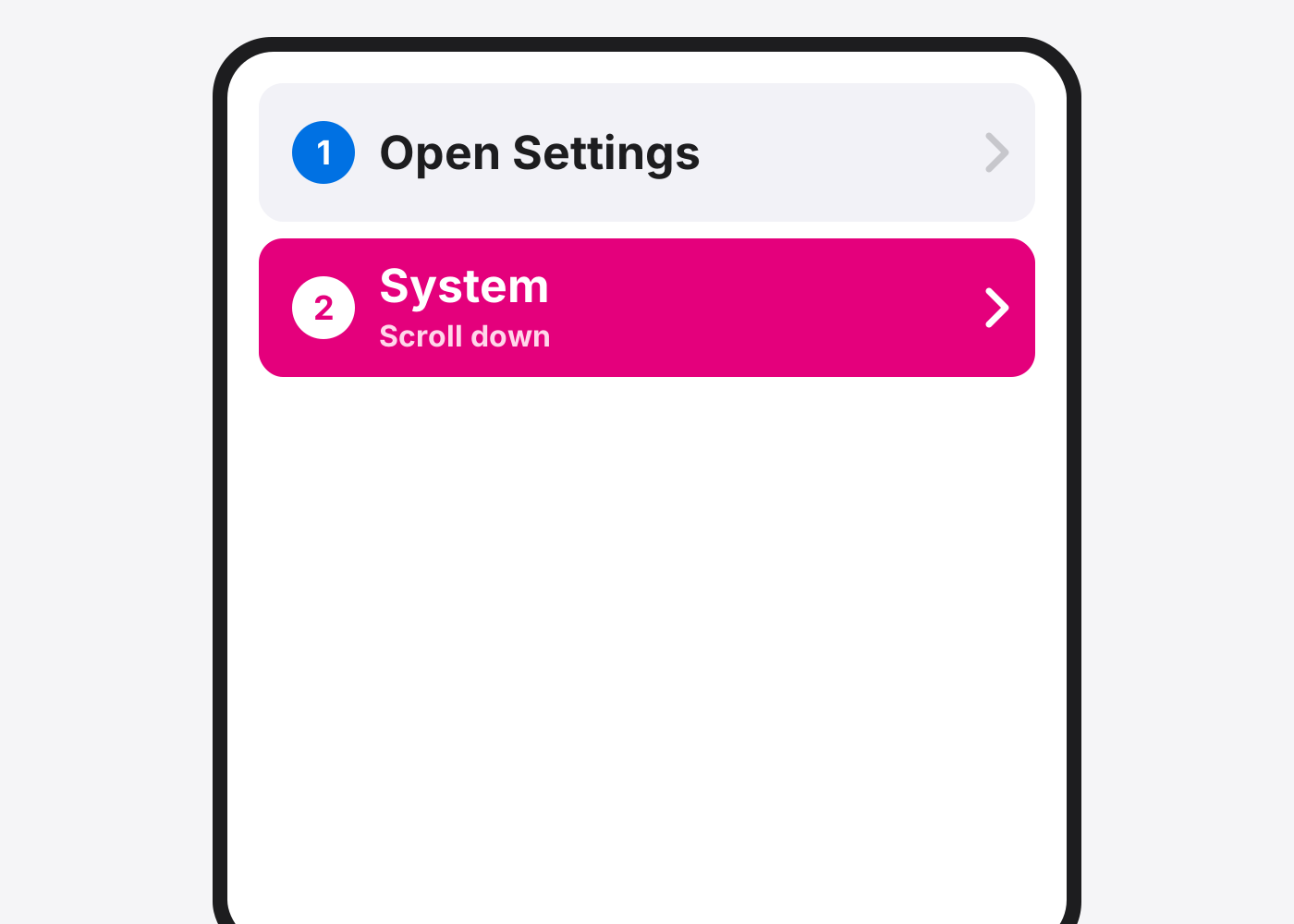
- Tap System. Scroll down to find it.
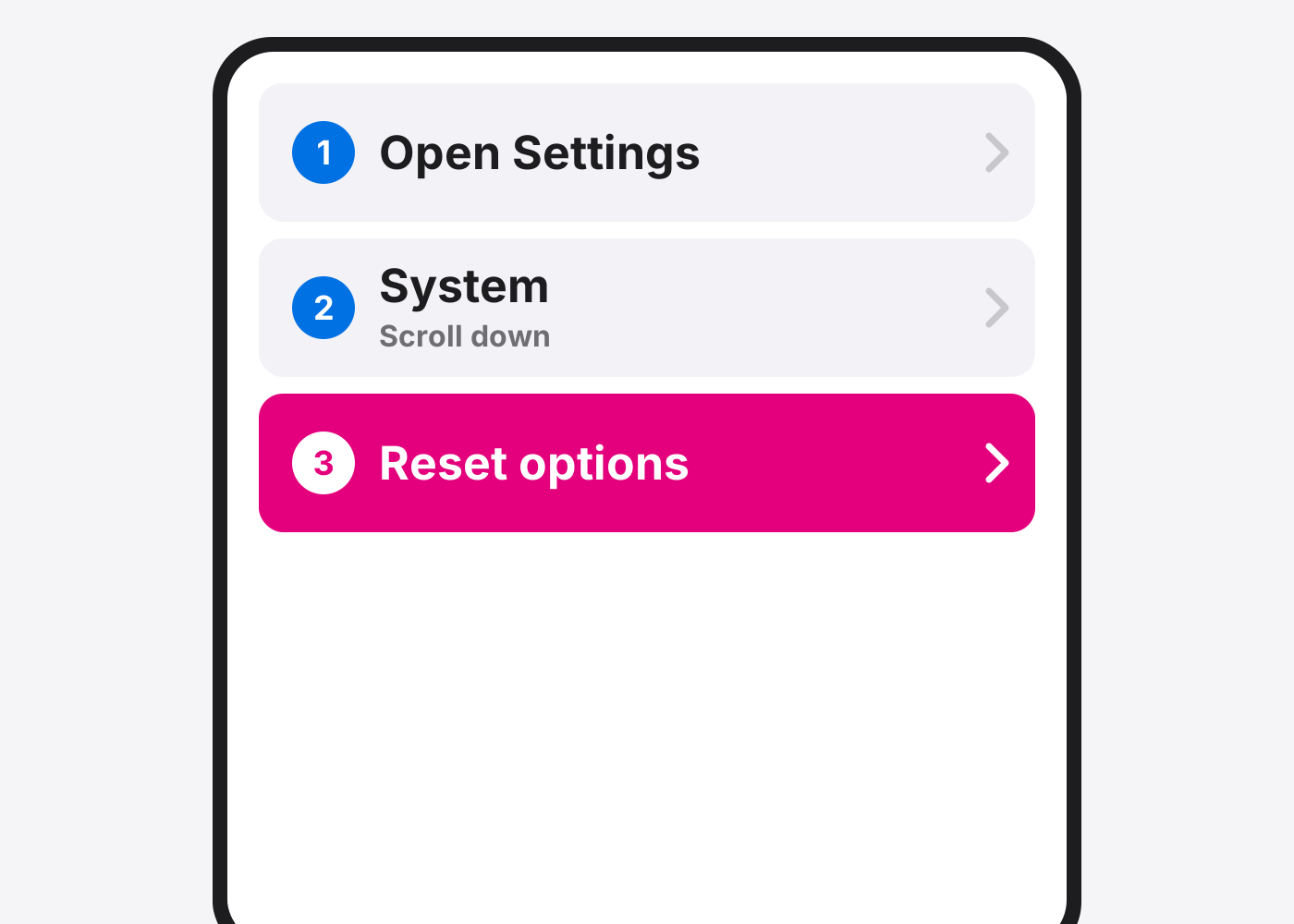
- Tap Reset options.
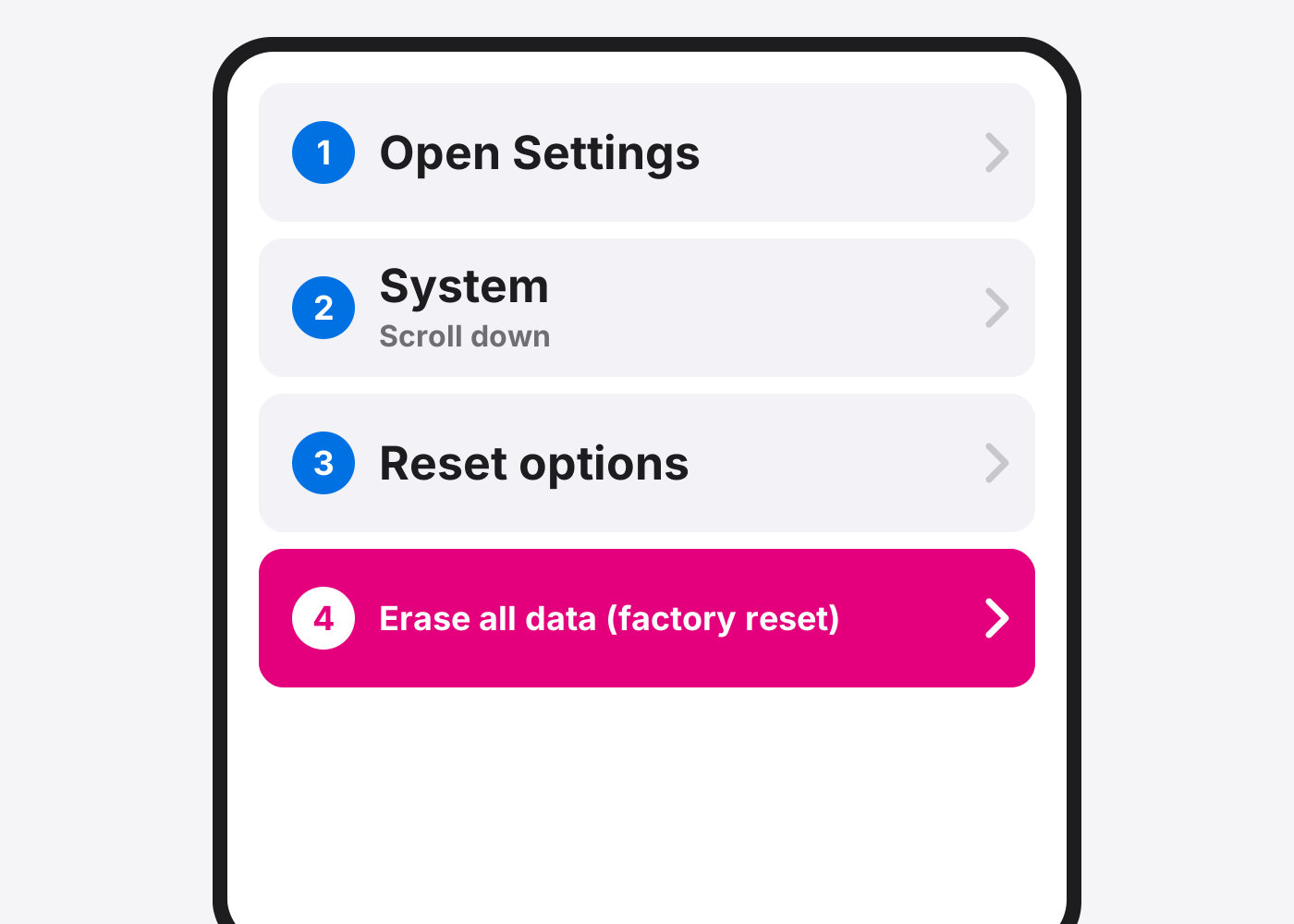
- Tap Erase all data (factory reset).
- Tap Erase all data. Enter your PIN if asked.
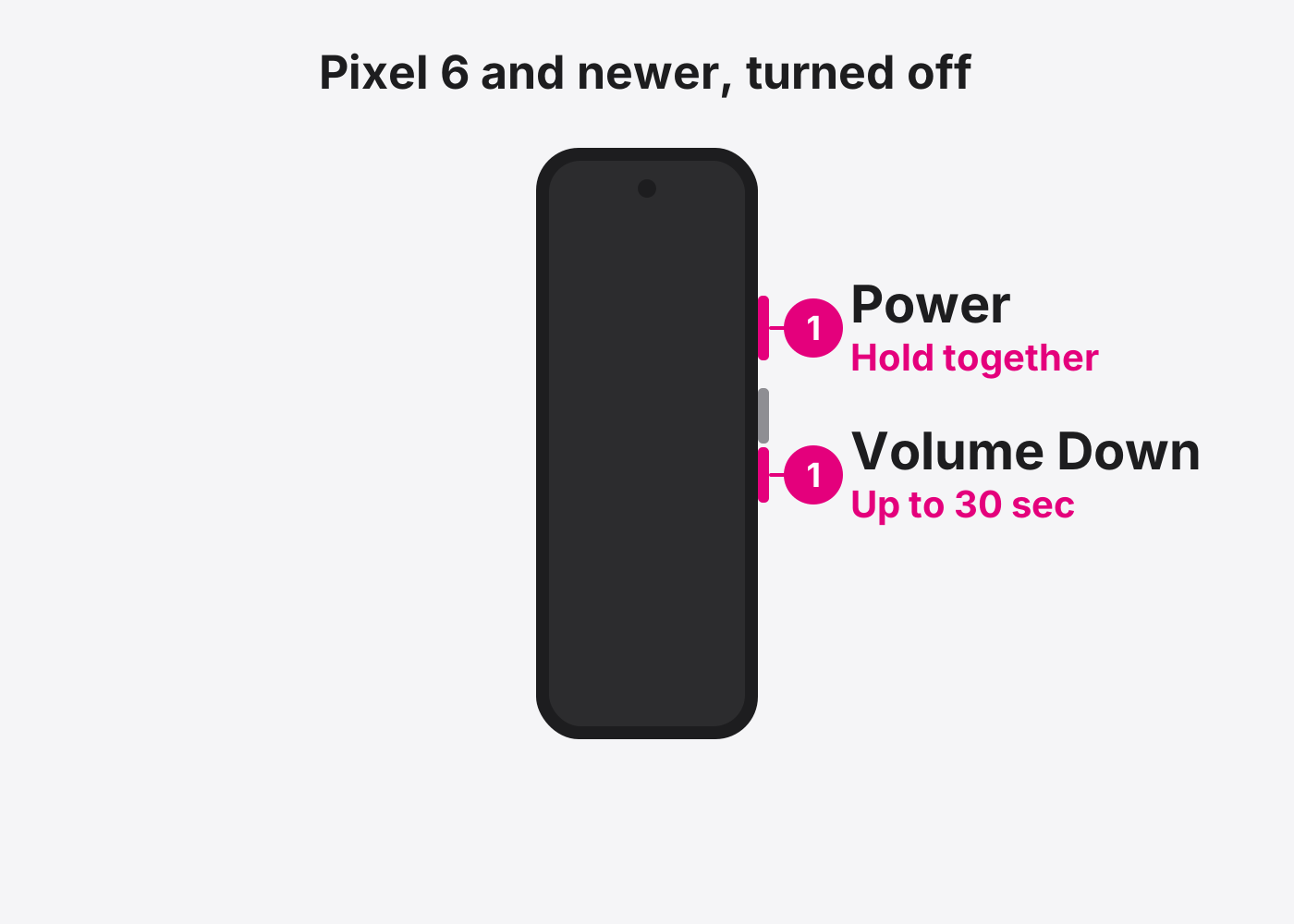
- Can’t open Settings? Use the buttons. Turn the phone off. Hold Power and Volume Down for up to 30 seconds until the Fastboot screen shows.
- Select Recovery mode. Use the volume buttons to pick Recovery mode and press Power.
- At No command, hold Power and press Volume Up once. Then choose Wipe data/factory reset and confirm.
If it doesn’t work
It restarted instead of opening a menu
You held the buttons too long. Turn it off and try again.
It asks for a Google account after the reset
Sign in with the Google account that was on the phone.
Based on the official steps: Google: Factory reset your Pixel
Need it fixed?
Most screen, battery and charging port repairs are done while you wait, with a warranty.