Guides · 10 min guide
Factory reset an iPhone in Settings
Erases everything and puts your iPhone back the way it came out of the box. Do this before you sell, give away or trade in a phone.
10 min · iPhone
Before you start
- Back up first. Erasing can’t be undone.
- Know your iPhone passcode and Apple Account password.
- If you have an Apple Watch, unpair it first.
- Keep the iPhone plugged in or well charged.
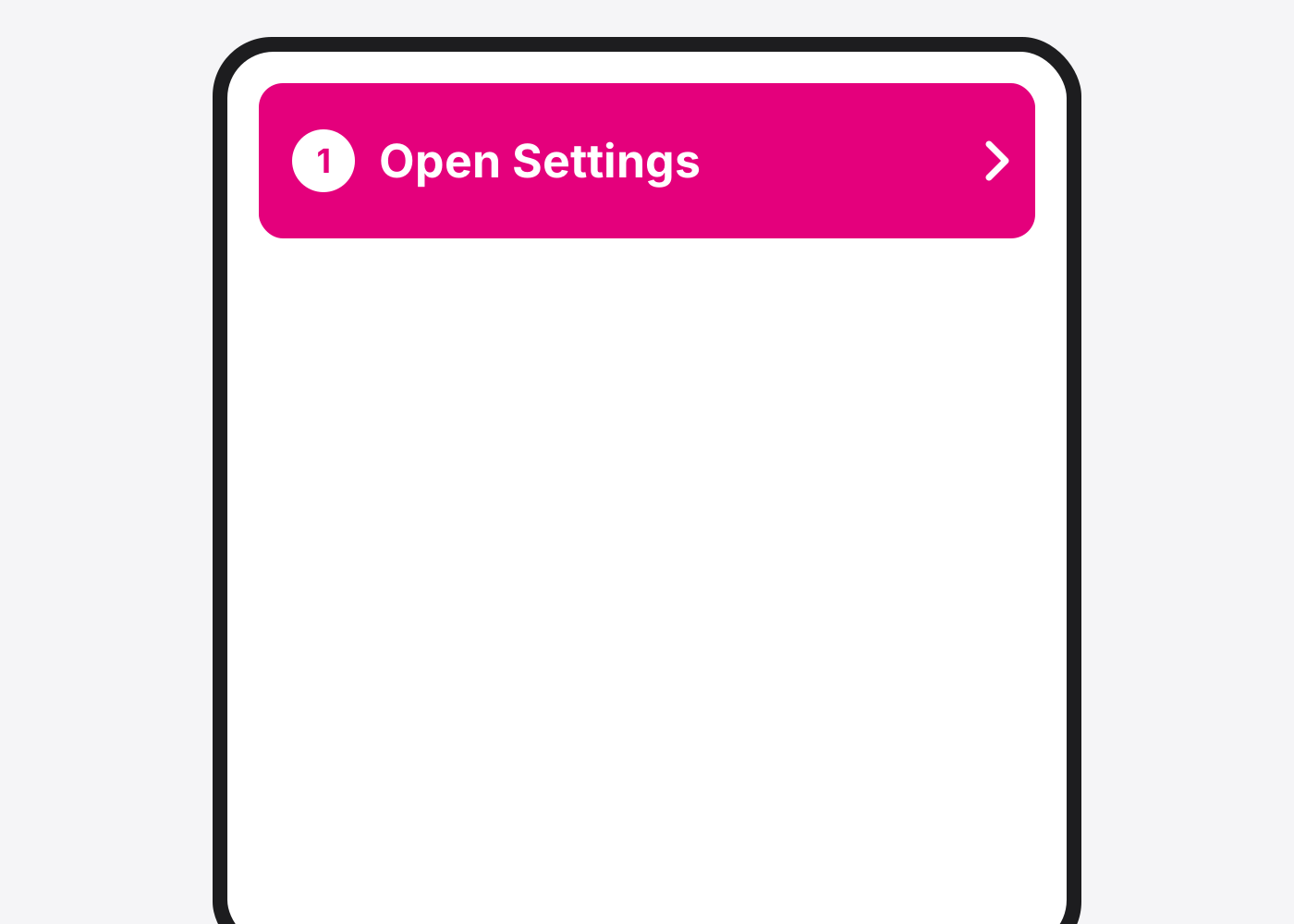
- Open Settings. Tap the grey gear icon on your Home Screen.
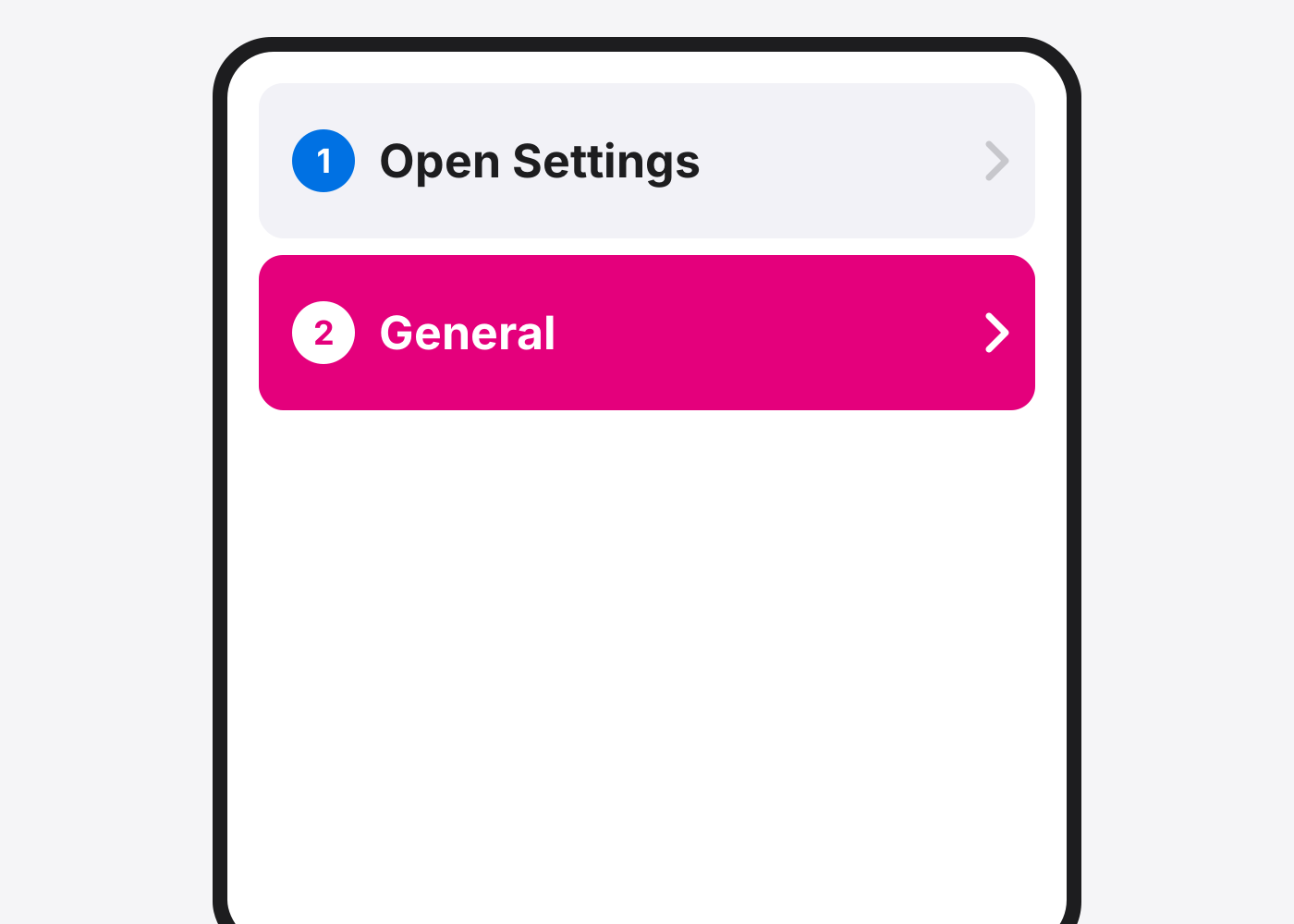
- Tap General.
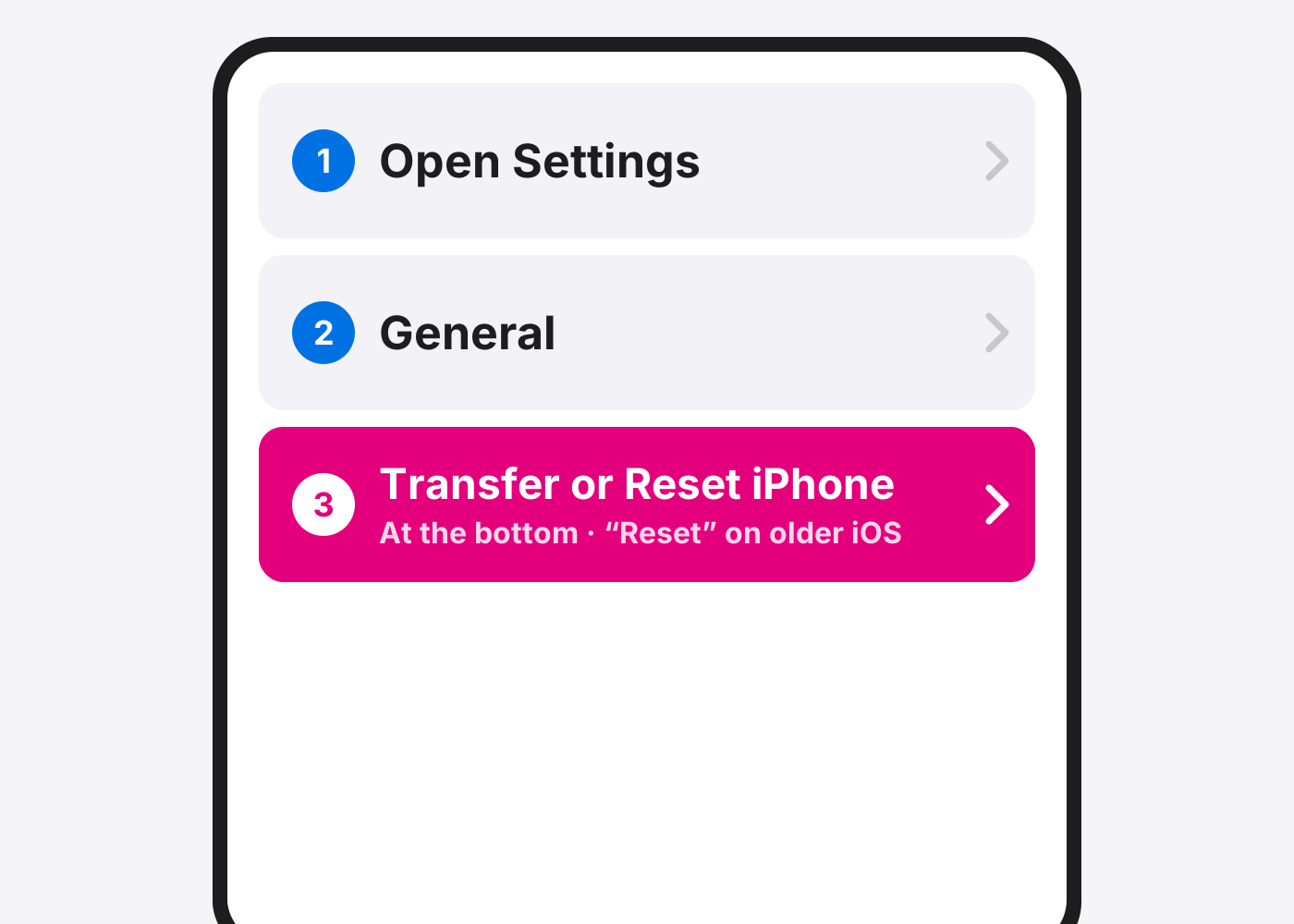
- Tap Transfer or Reset iPhone. Scroll to the bottom of General. On iOS 14 and older it’s called Reset.
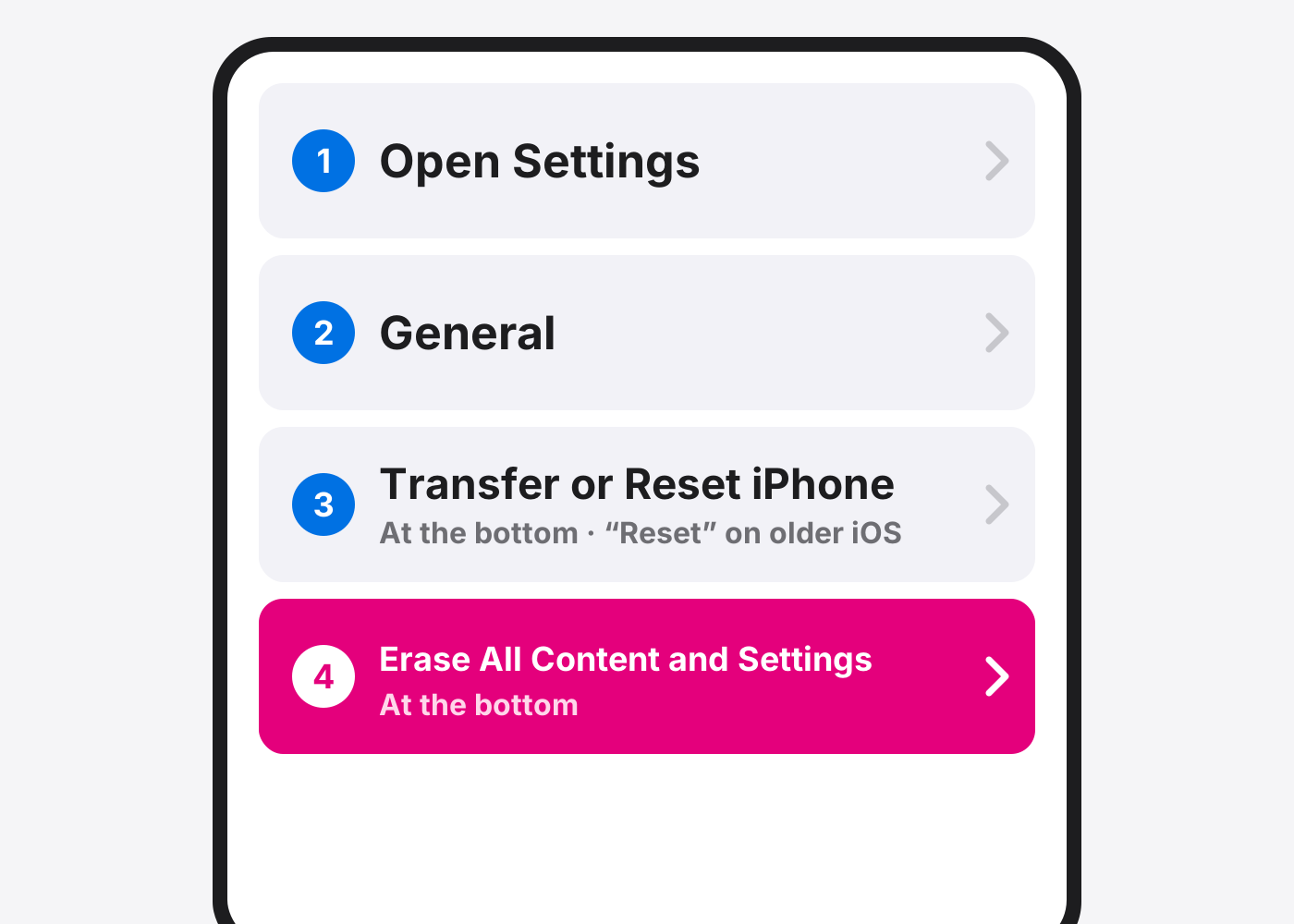
- Tap Erase All Content and Settings. It’s at the bottom. Don’t tap Reset above it. That only resets settings and keeps your data.
- Tap Continue and enter your passcode. If asked, also enter your Apple Account password. This turns off Find My and Activation Lock.
- Choose what to do with your eSIM. Only shows if you use an eSIM. Selling the phone? Erase it. If you erase it, your carrier will need to set your plan up again on your next phone.
- Wait for it to finish. The iPhone restarts on the Hello screen. That means it’s fully erased.
If it doesn’t work
It asks for a password I don’t know
That’s your Apple Account password. Reset it at iforgot.apple.com from any device, then try again.
I want to keep my data and just fix settings
Use Transfer or Reset iPhone › Reset instead, and pick Reset All Settings. Your photos and apps stay.
It’s stuck on the Apple logo
Leave it on the charger for an hour. Still stuck? Follow the Reset an iPhone with a computer guide, or bring it in.
Based on the official steps: Apple: Erase iPhone
Need it fixed?
Most screen, battery and charging port repairs are done while you wait, with a warranty.