Guides · 10 min guide
Factory reset a Samsung Galaxy
Erases the phone and returns it to factory settings. Do this before you sell or give it away.
10 min · Samsung
Before you start
- Back up first. A reset can’t be undone.
- Know your screen lock and your Samsung account password.
- Connect to Wi‑Fi so it can sign you out.
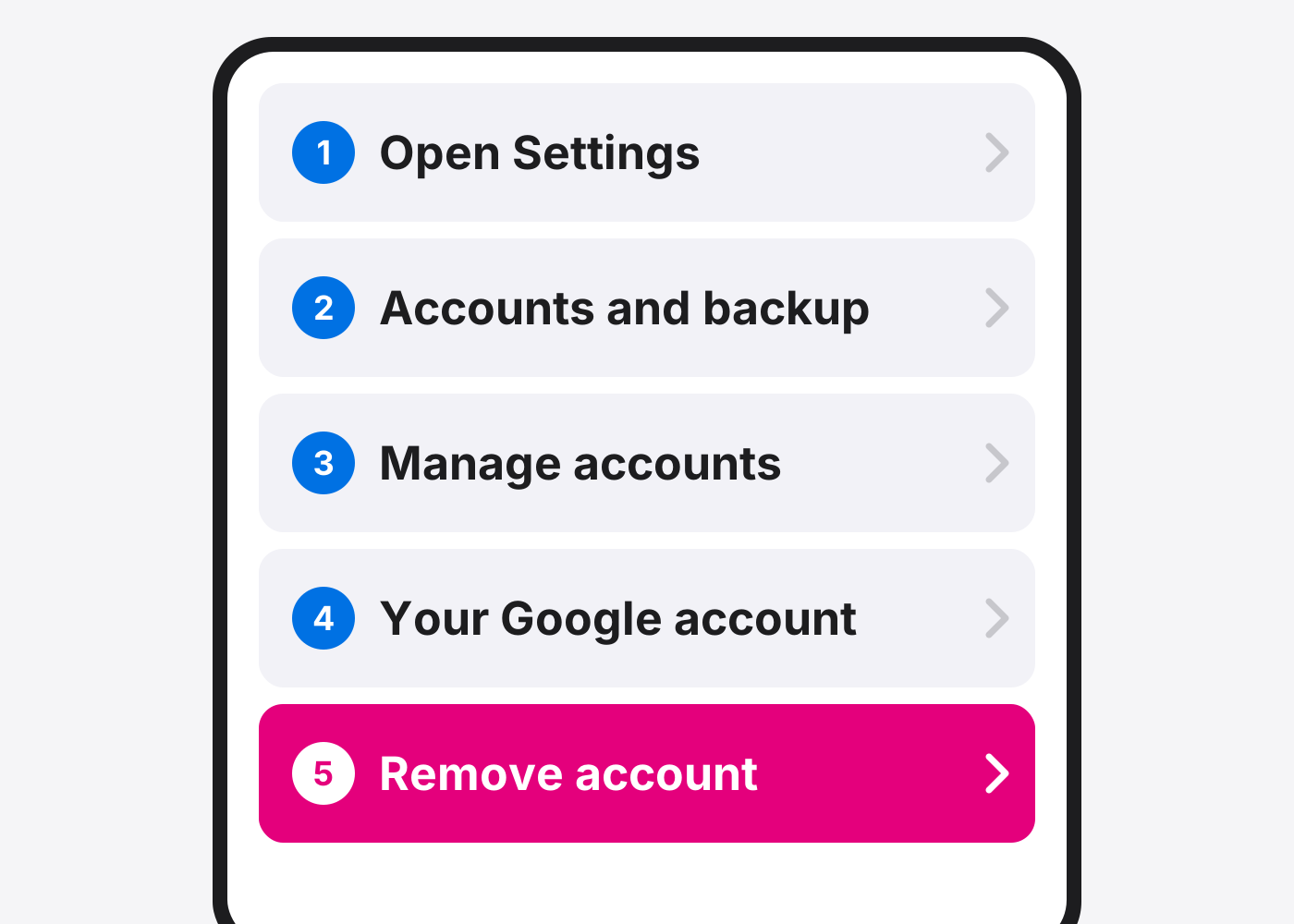
- Selling it? Remove your Google account first (step 1).
- Selling the phone? Remove your Google account. Settings › Accounts and backup › Manage accounts › your Google account › Remove account. This stops the next owner getting locked out.
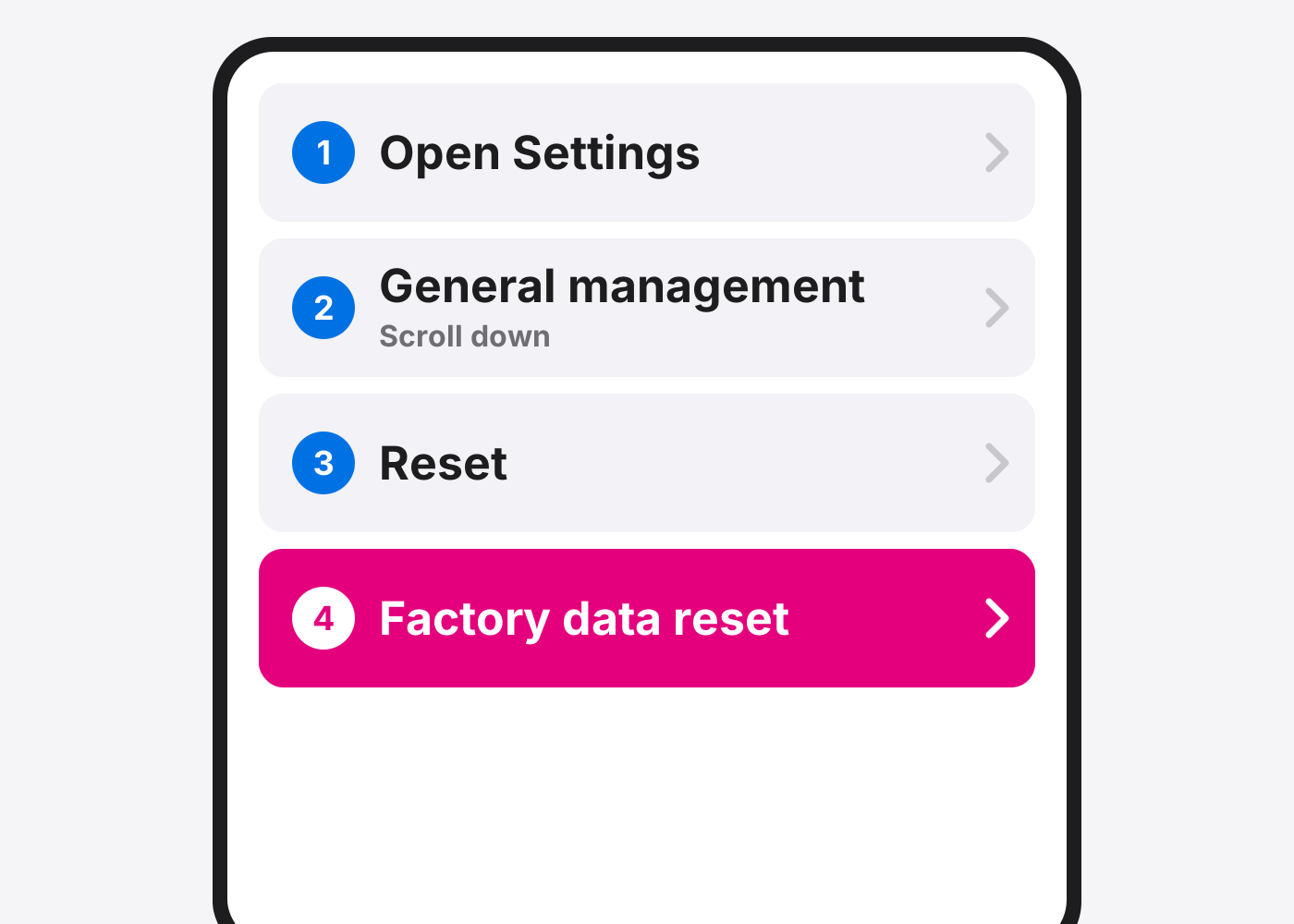
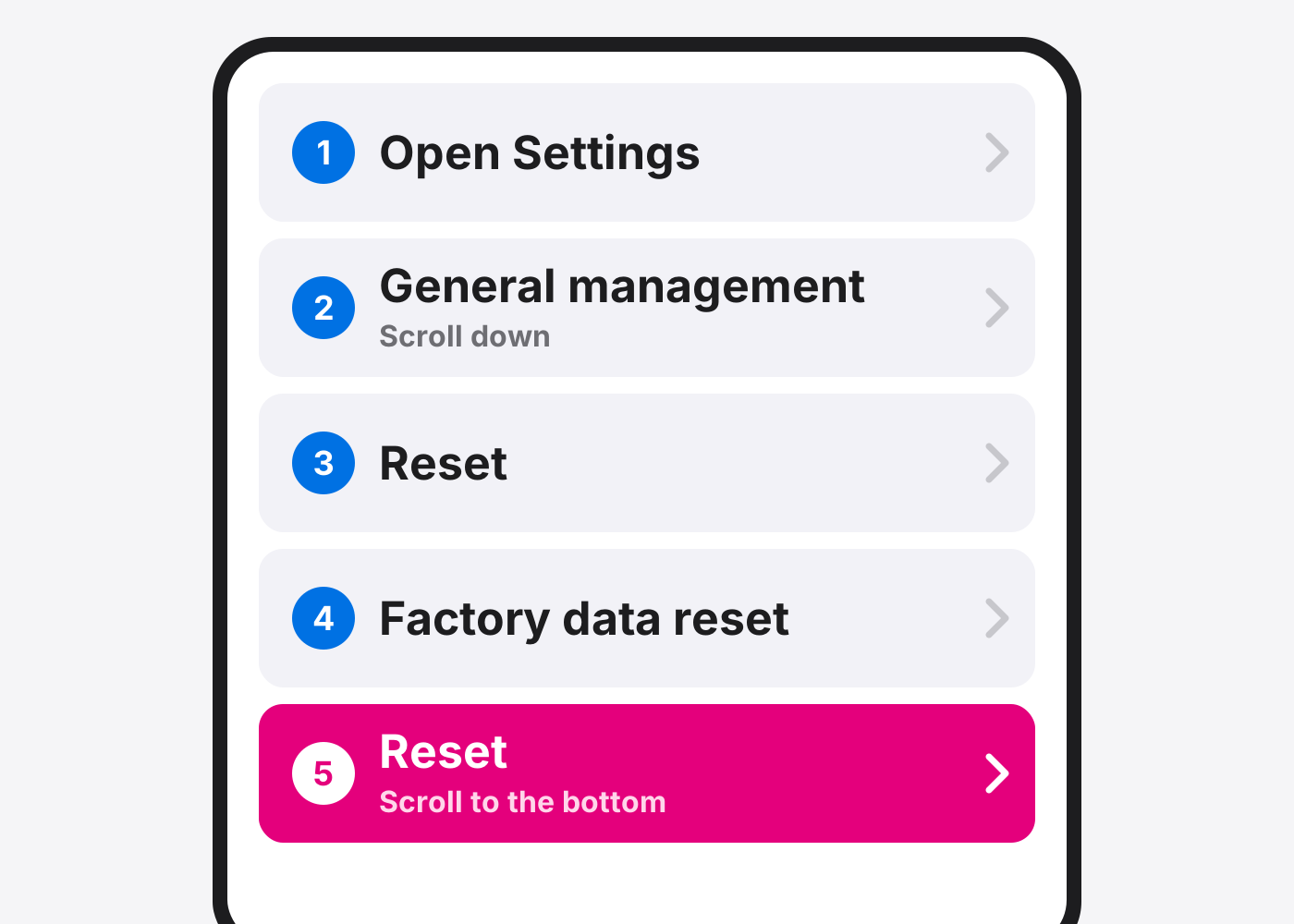
- Open Settings.
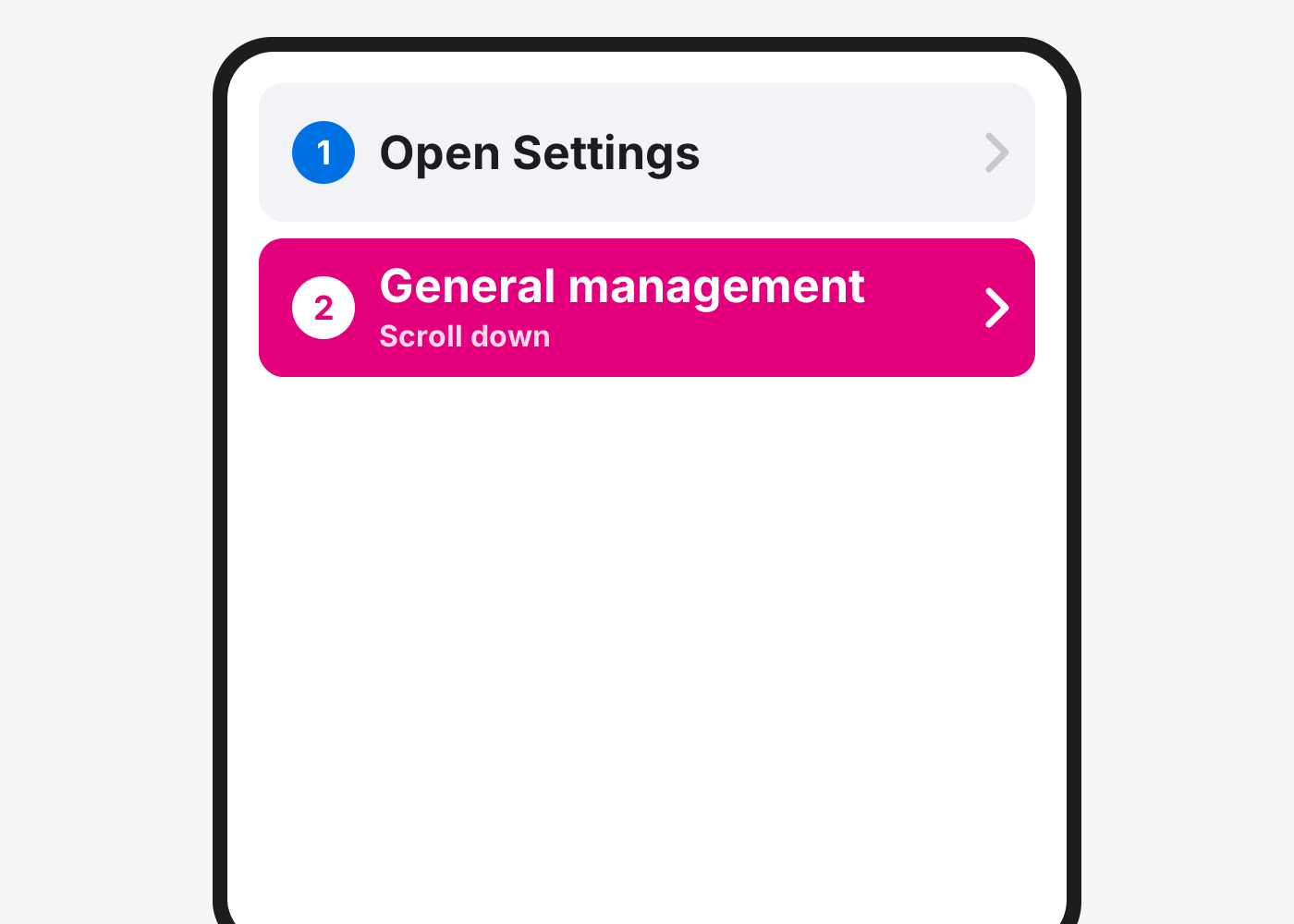
- Tap General management. Scroll down to find it.
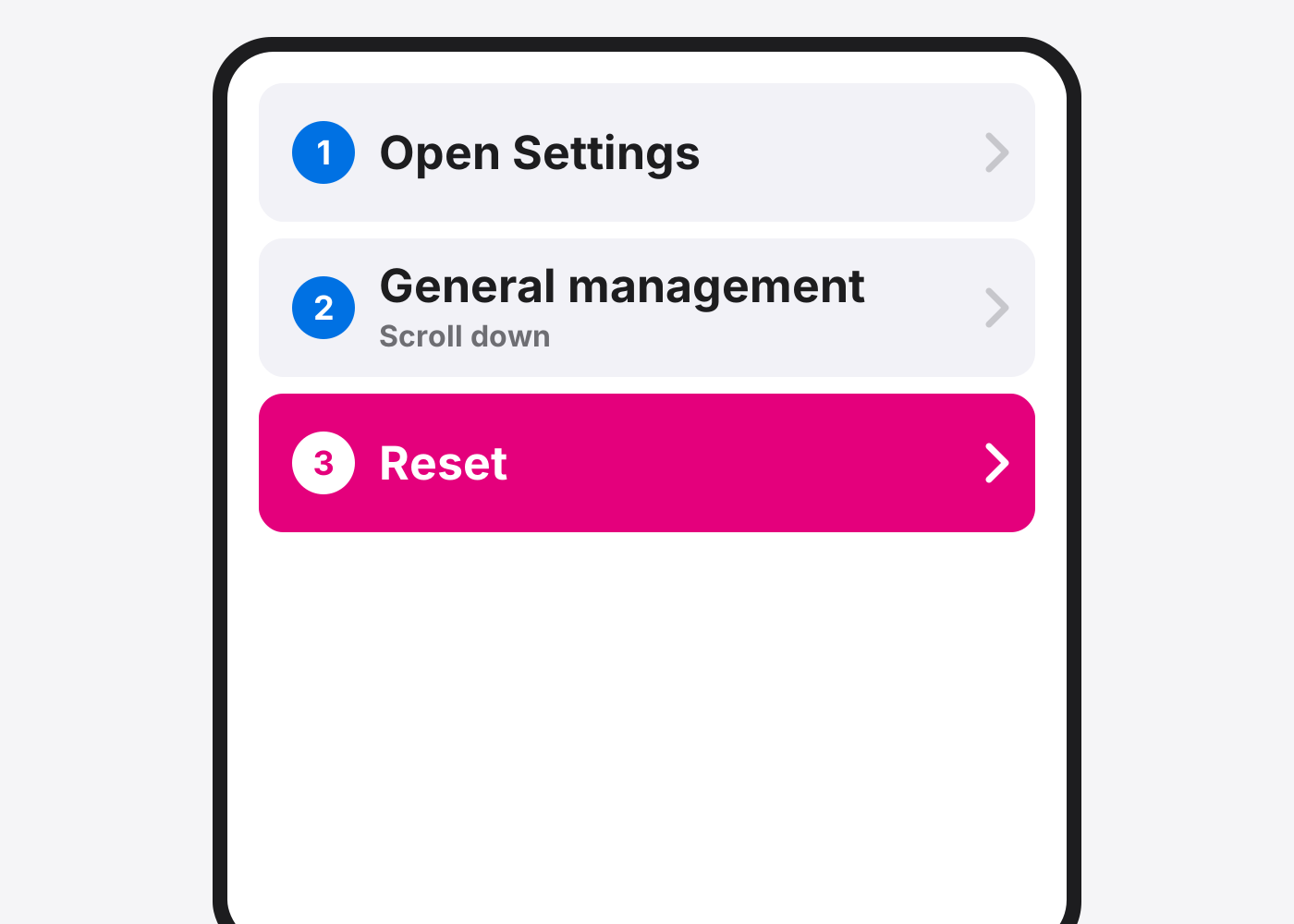
- Tap Reset.
- Tap Factory data reset.
- Tap Reset. Scroll to the bottom of the page.
- Tap Delete all. Enter your PIN, pattern or password, and your Samsung account password if asked.
- Wait for it to restart. It boots to the setup screen when it’s done.
If it doesn’t work
It asks for a Google account after the reset
That’s Factory Reset Protection. Sign in with the Google account that was on the phone.
My SD card wasn’t erased
A factory reset doesn’t erase the SD card. Take it out or format it separately.
Based on the official steps: Samsung: Factory reset your Galaxy
Need it fixed?
Most screen, battery and charging port repairs are done while you wait, with a warranty.