Guides · 1 min guide
Force restart a frozen Samsung
Use this when the screen is frozen and the phone won’t respond. Nothing gets erased.
1 min · Samsung
- Hold Volume Down and Side together. Keep holding for more than 7 seconds.
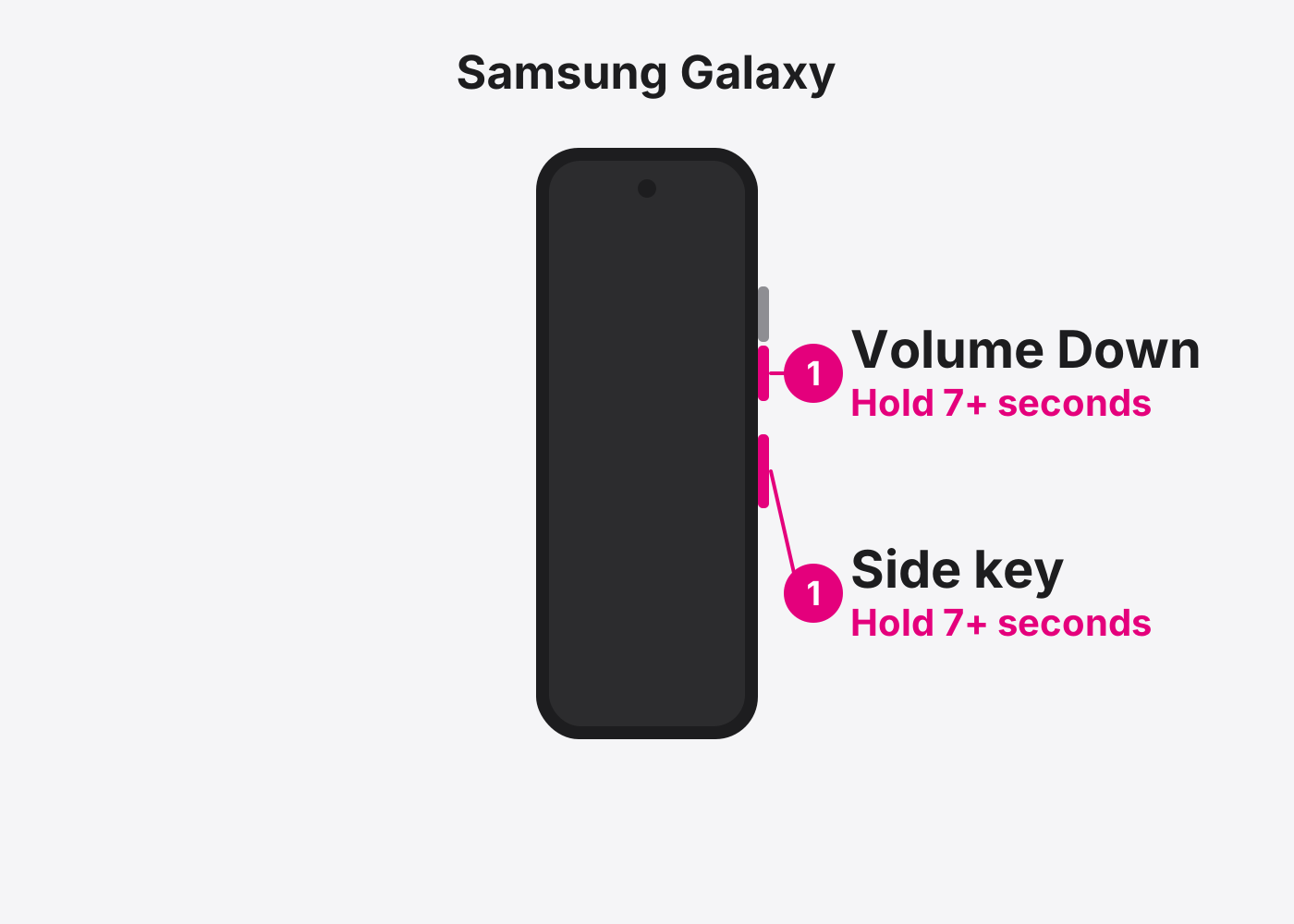
- Let go when the phone restarts. You’ll see the Samsung logo.
- See a menu instead?. Use the volume buttons to pick Reboot system now (or Normal Boot) and press Side.
If it doesn’t work
Nothing happens
Charge it for at least 30 minutes, then try again. Still nothing? Bring it in.
Based on the official steps: Samsung: Restart your Galaxy
Need it fixed?
Most screen, battery and charging port repairs are done while you wait, with a warranty.