Guides · 15 min guide
Prep your phone for trade-in
A phone that’s still signed in can’t be bought or used by anyone else. These steps protect your data and get you full value.
15 min · iPhone, Samsung, Pixel
Before you start
- Back up first.
- Have your passcode and account passwords ready.
- Back up your data. Follow our backup guide for iPhone or Android.
- Unpair your Apple Watch. iPhone only. Open the Watch app and unpair it.
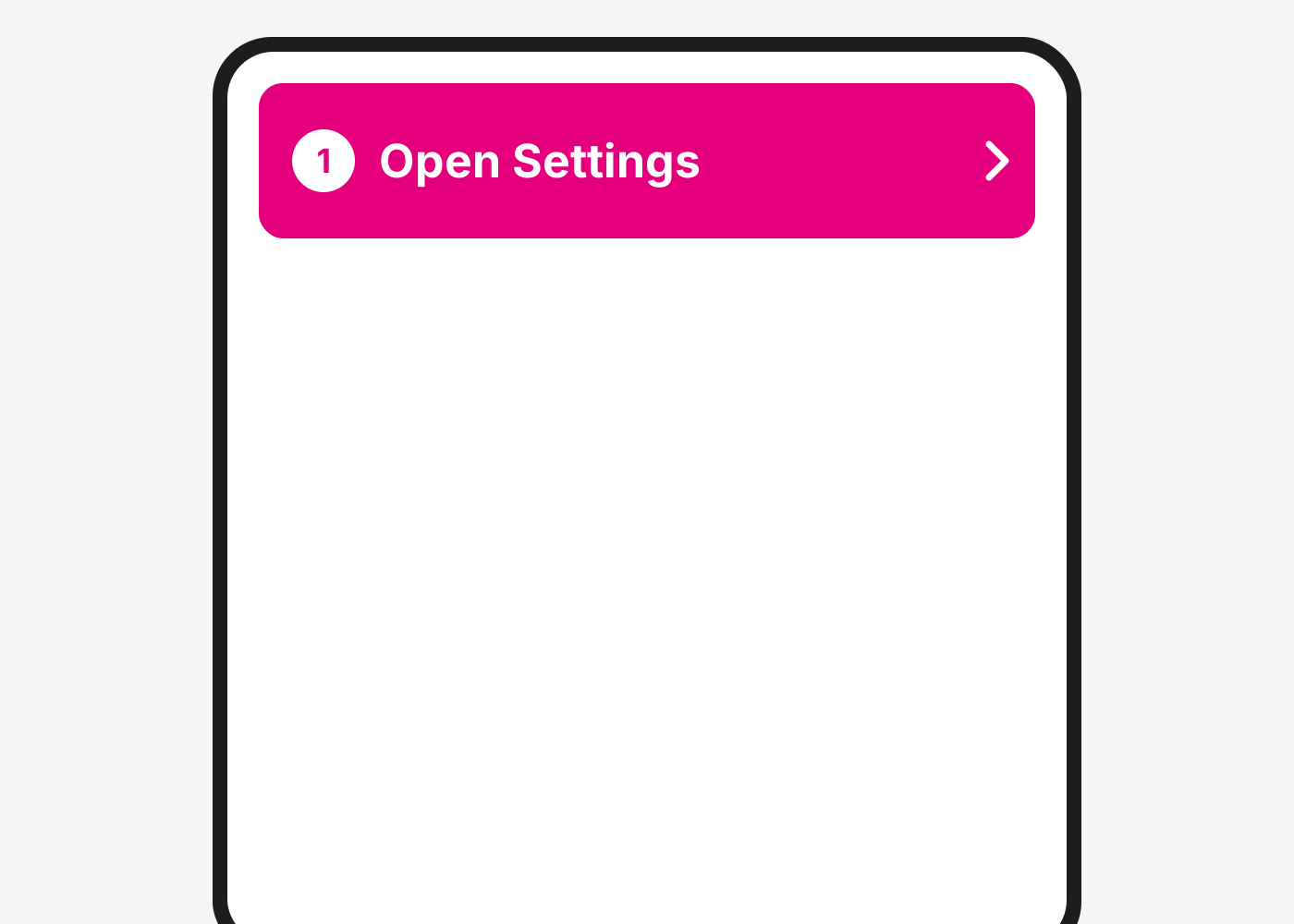
- iPhone: open Settings.
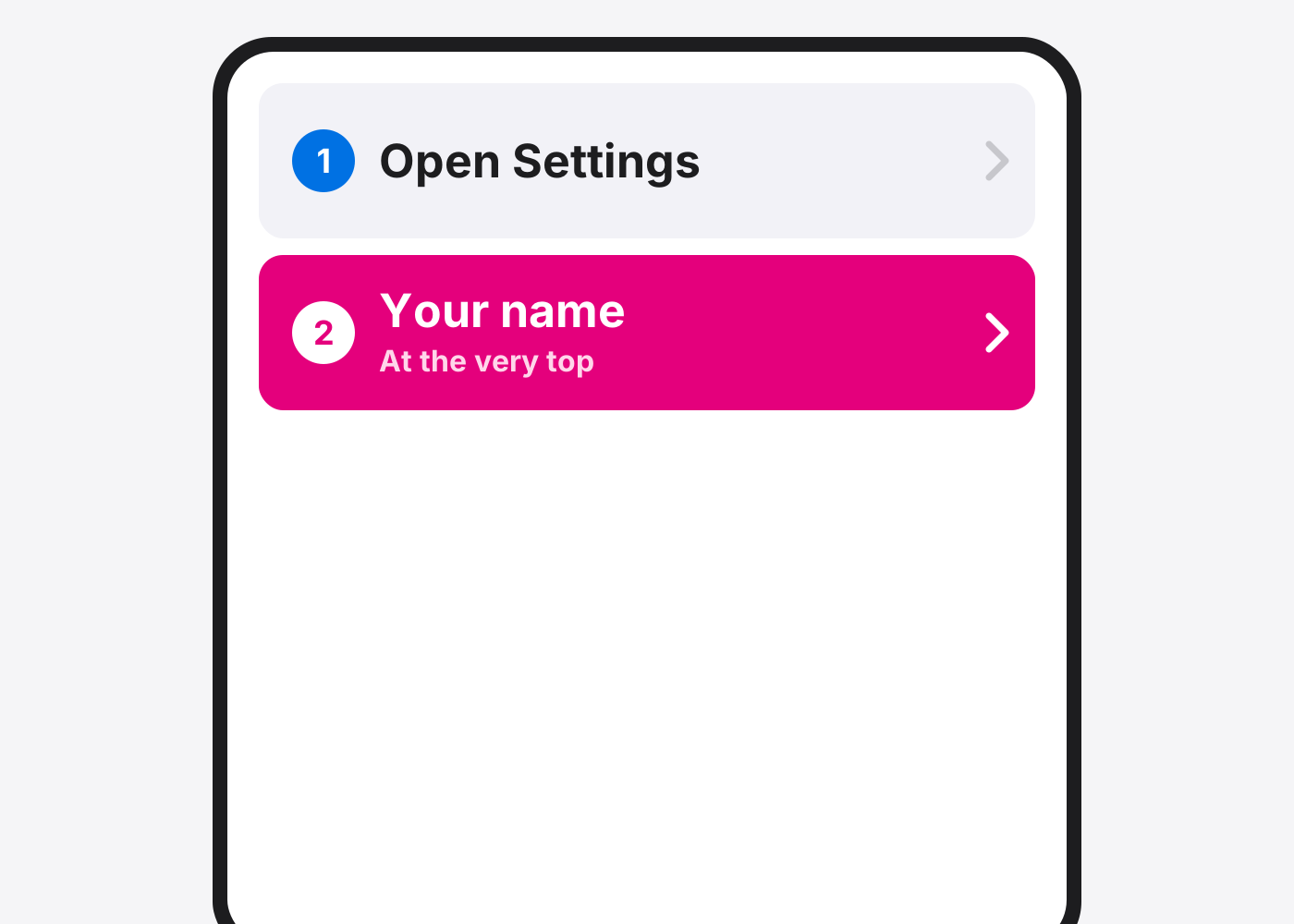
- Tap your name.
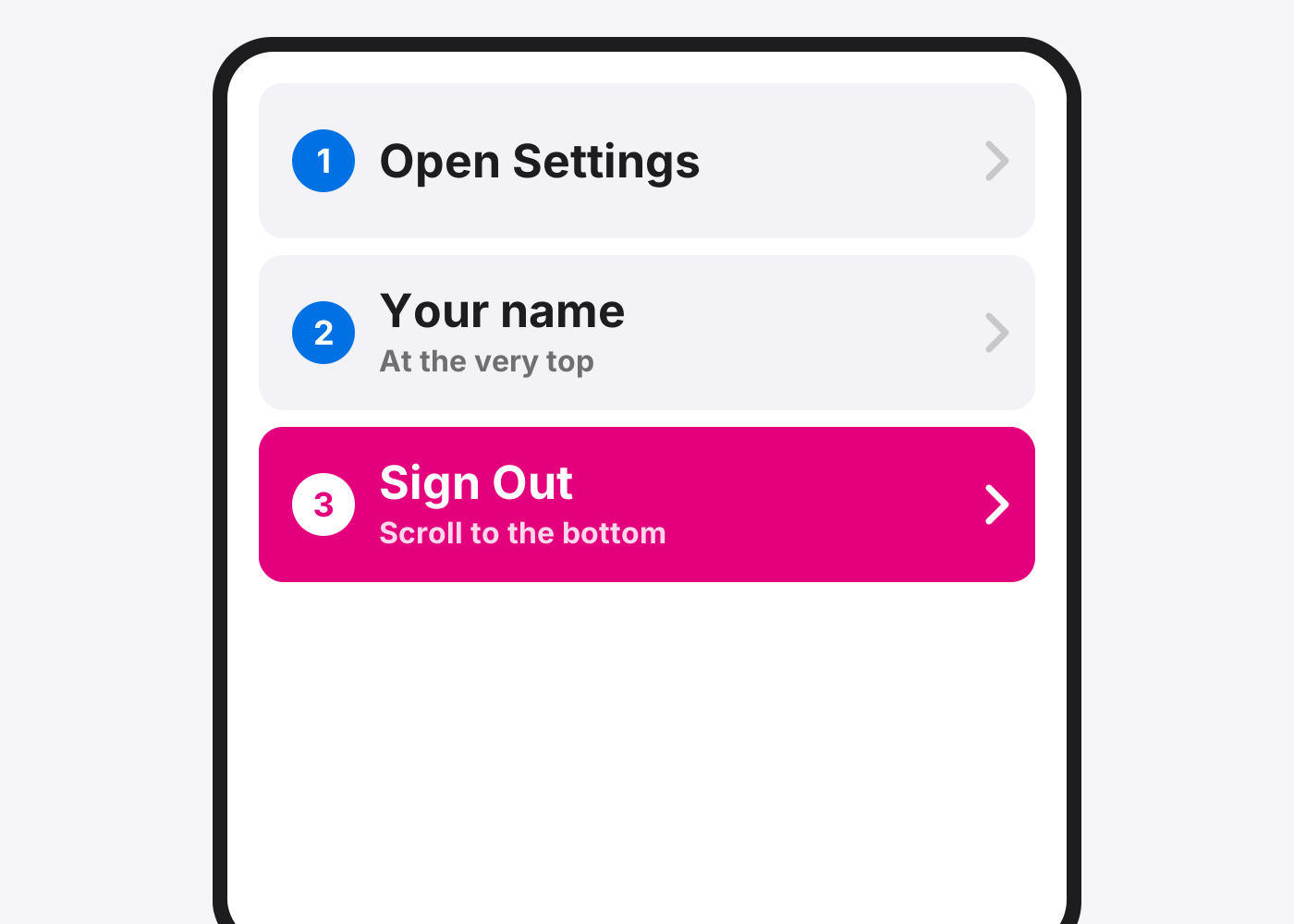
- Tap Sign Out. Scroll to the bottom. Enter your Apple Account password if asked.
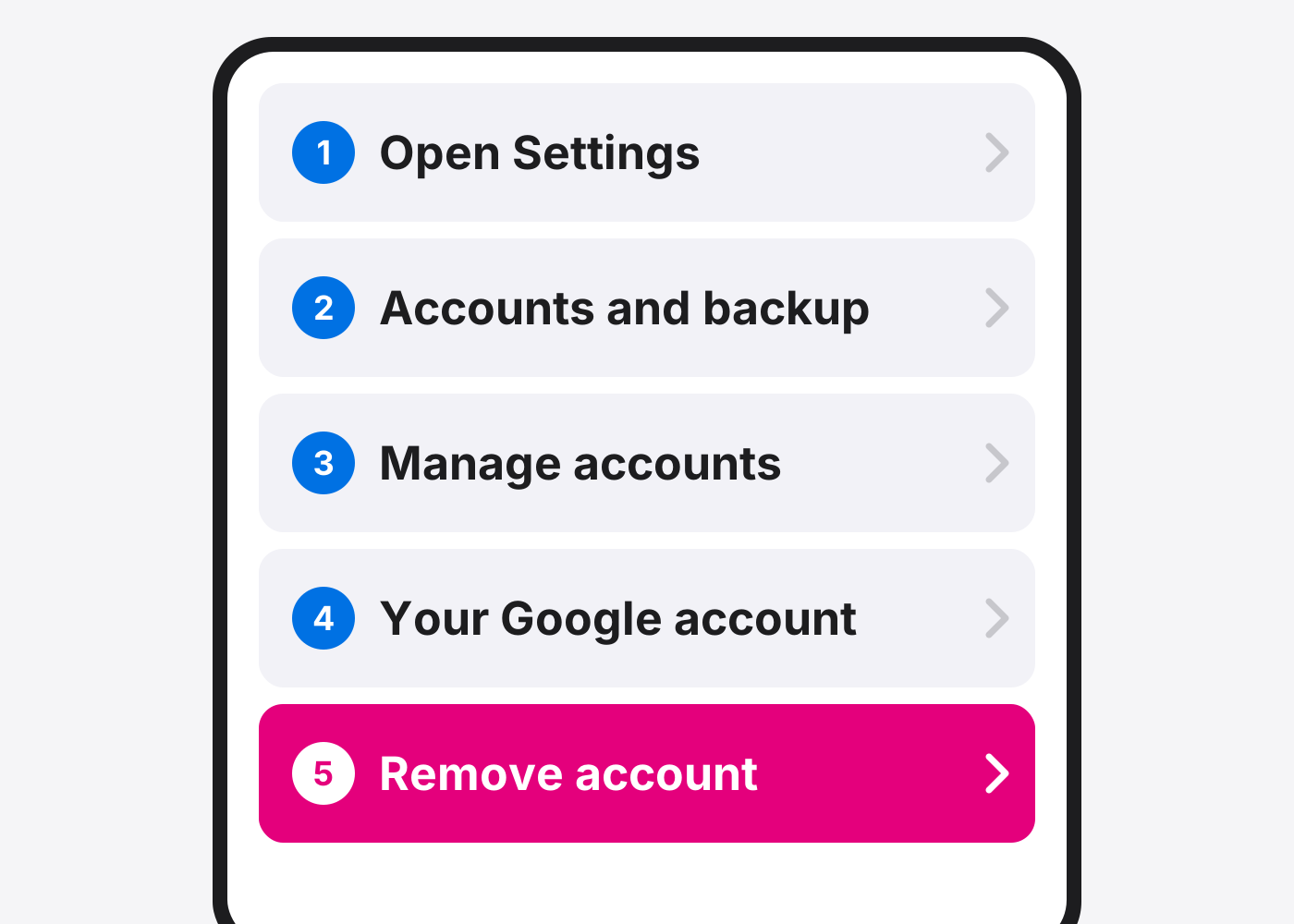
- Android: remove your Google account. Settings › Accounts and backup › Manage accounts › your Google account › Remove account (Samsung). On Pixel: Settings › Passwords and accounts.
- Erase the phone. Use our factory reset guide for your phone. On iPhone, choose to erase the eSIM too.
- Take out your SIM card. Pop out the SIM tray with a pin.
- Bring proof of purchase. Bring the receipt or box, and the charger if you still have it.
If it doesn’t work
It asks for an Apple Account or Google account after the reset
The phone is still locked to your account. Sign in to remove it, or remove the phone at icloud.com/find (iPhone).
I already traded in my old phone
Remove it from your Apple Account’s device list and change your password.
Based on the official steps: Apple: Before you sell or trade in your iPhone
Need it fixed?
Most screen, battery and charging port repairs are done while you wait, with a warranty.