Guides · 15 min guide
Reset a Samsung with the buttons
Use this only if you can’t get into Settings. It erases everything, and you’ll need the phone’s Google account to set it up again.
15 min · Samsung
Before you start
- Know the Google account and password that’s on the phone.
- Back up first if you can.
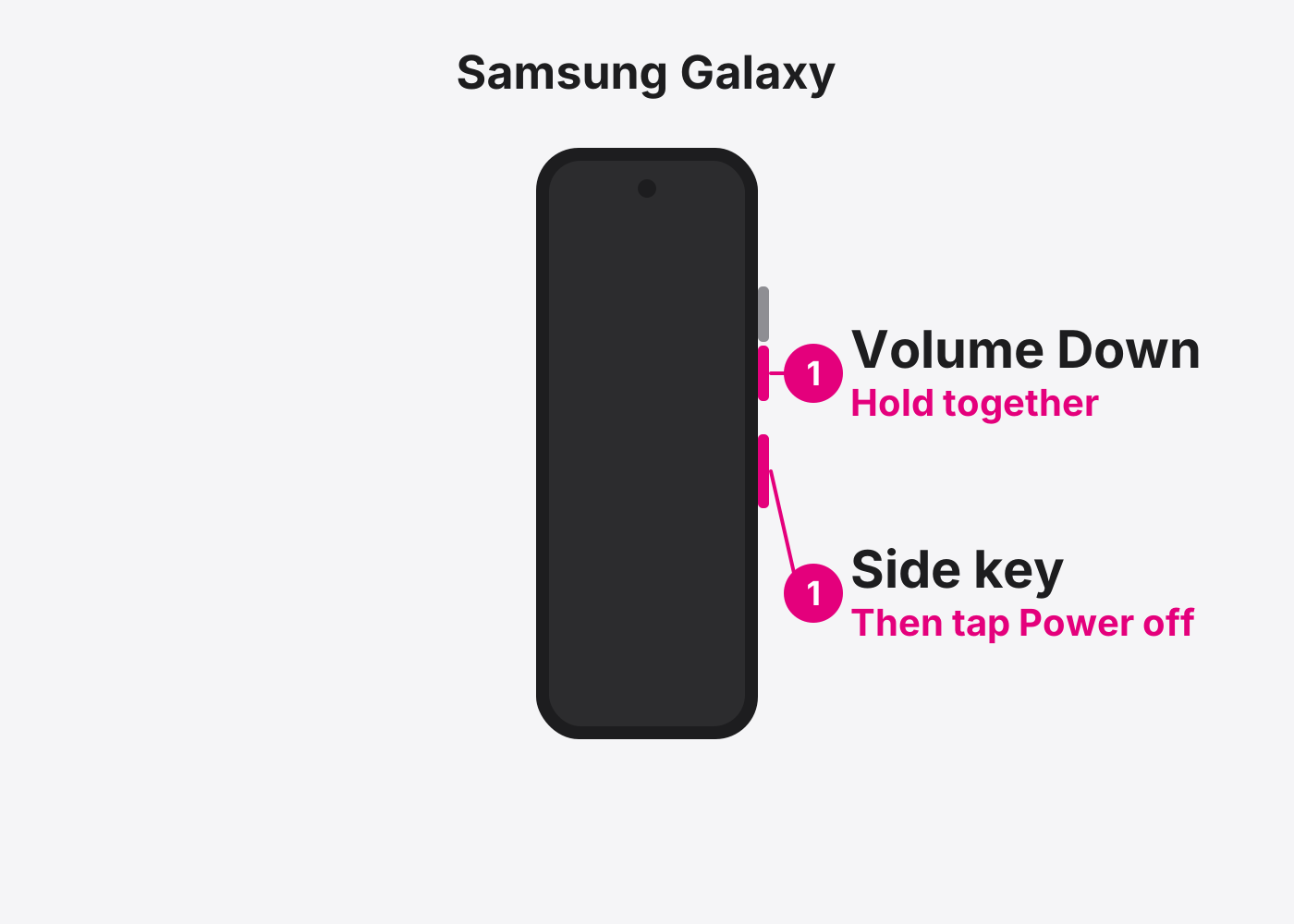
- Turn the phone off. Hold Side and Volume Down, then tap Power off.
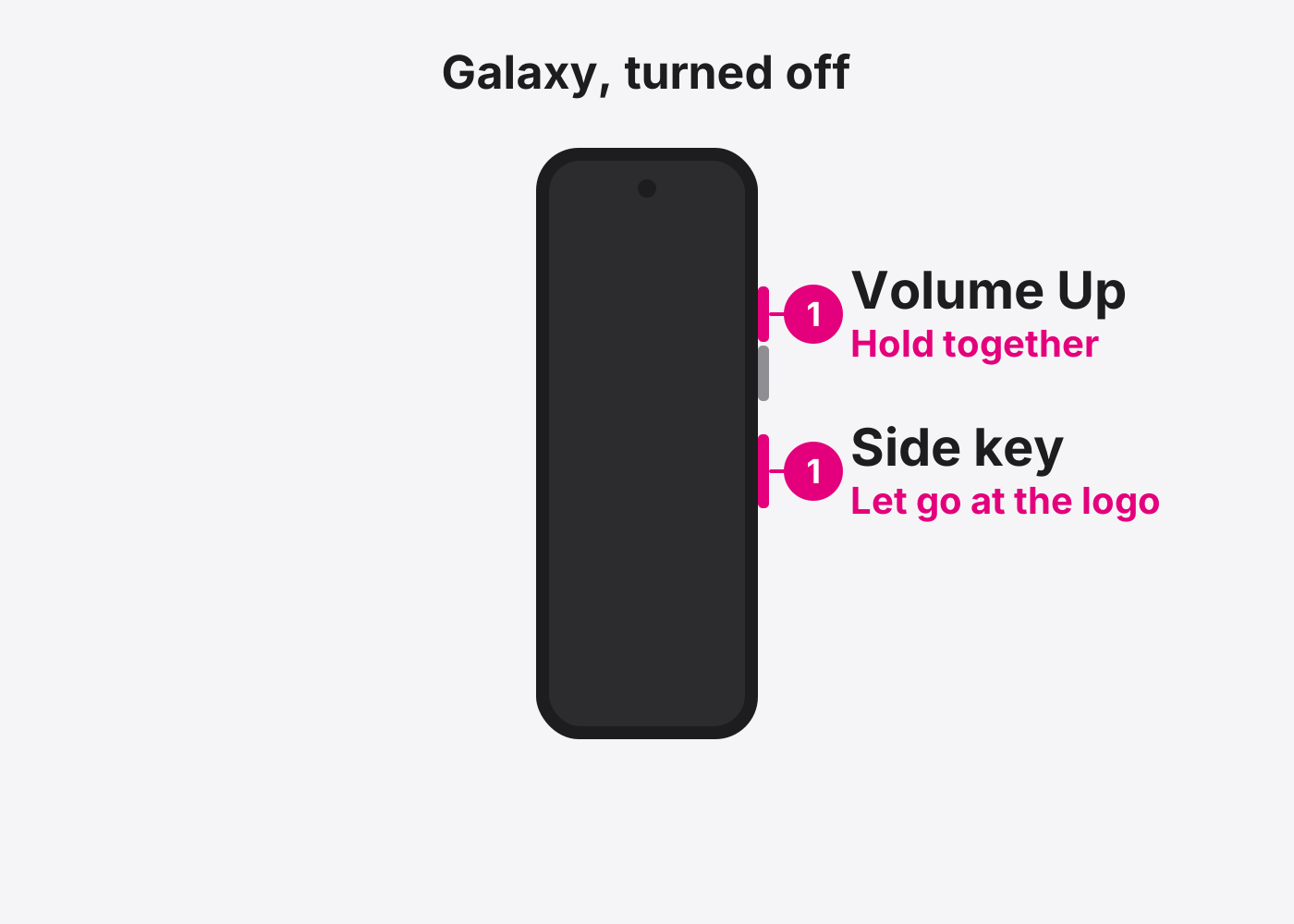
- Hold Volume Up and Side together. Let go when the Samsung logo shows. The recovery menu opens.
- Choose Wipe data/factory reset. Use the volume buttons to move and the Side button to select.
- Choose Factory data reset. Confirm with the Side button.
- Choose Reboot system now. When it says Data wipe complete, select Reboot system now.
- Set it up. Sign in with the Google account that was on the phone.
If it doesn’t work
The recovery menu won’t open
On some newer Galaxy phones it only opens with a USB cable plugged in. Plug into a computer or charger and try again.
I don’t know the Google account
The phone will stay locked. Bring it in with proof of purchase and we’ll help.
Based on the official steps: Samsung: Perform a factory reset
Need it fixed?
Most screen, battery and charging port repairs are done while you wait, with a warranty.